

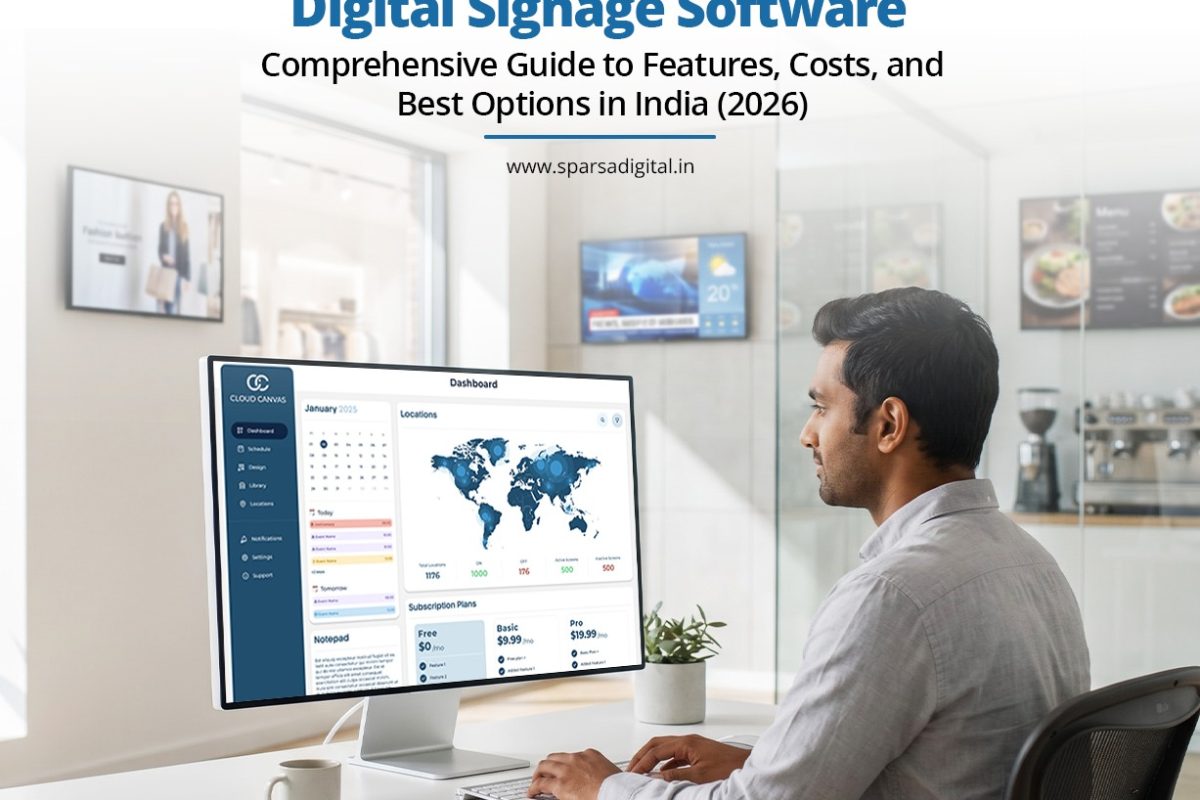
Without software, a screen is just an expensive TV.
What really transforms that screen into a marketing tool, an information board, or a store manager’s best friend is the digital signage software that powers it.
The majority of first-time purchasers undervalue this component. After spending weeks comparing LED panels and pixel pitch, they select the CMS that the hardware vendor happens to include without verifying that it meets the needs of their company.
This guide explains what digital signage software does, how it operates, which features are important, how much it costs in India, and how to narrow down the best digital signage platform for your company in 2026.
What does digital signage software entail?
Digital signage software, also known as display management software or signage management software, is a system that enables content creation, scheduling, and control across thousands of screens or just one screen from a single dashboard.
Without it, updating a screen requires physically approaching it, inserting a USB drive, and changing the file by hand. It involves logging into a digital signage app or web portal, uploading new content, selecting the location and time it should play, and pushing it live remotely, sometimes simultaneously across dozens of locations.
Three fundamental layers form the basis of the majority of contemporary platforms. A content library that stores and arranges templates, videos, and images.
A scheduling engine that determines what plays at what times on what screens. A player or application that is installed on the actual screen-connected device and retrieves and shows content from the cloud.
Additionally, some platforms have design tools that allow users to create layouts directly within the program instead of exporting final graphics from a different design tool.
Others just concentrate on distribution and scheduling, assuming that content will be created somewhere else and then uploaded. A single digital menu board in a café, a network of price displays throughout a chain of stores, a hospital’s patient information system, or a corporate lobby with KPIs and announcements are just a few examples of the many use cases covered by this category.
Although the features that are important vary depending on the use case, the fundamental software concept remains the same in all cases.
The Operation of Digital Signage Software
Digital signage software’s internal workings are more straightforward than they appear.
Step 1: Content is uploaded to the cloud. Images, videos, and real-time data feeds (such as news or weather) are uploaded by users into the platform’s content library.
Step 2: Schedules and playlists are created. Playlists are created from content, which is then allocated to particular screens or screen groups with guidelines for when each item should play. A restaurant may plan to serve breakfast menus until eleven in the morning, at which point they will automatically transition to lunch fare.
Step 3: The player on the screen logs in. A tiny gadget attached to every screen, such as a dedicated media player, the integrated system of a smart TV, or an inexpensive gadget like an Android box or Raspberry Pi, periodically searches the cloud for updates.
Step 4: Content plays and syncs. When the player notices a change in the schedule or new content, it automatically downloads the update and plays it without requiring any physical interaction with the screen.
Step 5: Central monitoring takes place. In order to detect problems before a customer notices a blank or frozen screen, the majority of platforms display a live dashboard of every connected screen, flagging if one goes offline, loses connection, or fails to update.
This is the reason why a small team can oversee hundreds of screens in multi-location businesses. In the time it used to take to visit a single location, one person in the head office can update pricing across fifty stores.
Important Qualities to Consider
A few features consistently distinguish a platform that is truly helpful from one that is annoying, even though not every business requires every feature.
Remote administration of content. The fundamental prerequisite for any serious platform is the ability to push updates to any screen from any location without requiring physical access.
Playlists and schedules. Seek scheduling that is time-based, day-based, or even location-based so that various screens can display different content automatically without the need for human switching.
Design and template resources. For teams without an in-house designer, an integrated editor with pre-made templates saves a lot of time.
Multiple locations and multiple screens are supported. Grouping screens by location, region, or store type makes managing content at scale much simpler for companies with multiple sites.
User permissions and roles. In order for a store manager to update local offers without affecting brand-wide campaigns, larger teams must be able to grant different staff members different levels of access.
Playback offline. If the internet goes down, a competent player should continue playing the most recent content they have downloaded rather than stopping altogether.
Data and evidence of play. Useful for companies that run sponsored advertisements on their screens or just want to make sure that the content played on time.
Integrations with third parties. Real flexibility for dynamic content is added by support for RSS feeds, social media walls, weather widgets, or business data (such as real-time pricing or inventory).
A free trial of digital signage software. Before committing, it’s worthwhile to test the free trial or limited free tier offered by the majority of reputable platforms, particularly to see how the interface works for non-technical staff. Instead of depending solely on marketing pages, it is also worthwhile to request a demo of digital signage software before shortlisting a vendor.
A live walkthrough typically demonstrates how simple (or complicated) the real daily experience is.
Software On-site Vs Cloud-based
Although on-premise systems are still available and useful in certain circumstances, the majority of digital signage software is now cloud-based.
Updates can be pushed from any location with an internet connection because cloud-based software operates via a web browser or hosted server. It usually requires a subscription, updates automatically, and grows with a company as more screens or locations are added. Nowadays, this is the standard option for the majority of restaurants, retail chains, and multi-location companies.
Instead of using the vendor’s cloud, on-premise software operates on a local server inside the company’s own network. For sites with erratic connectivity or stringent data governance requirements, like some government, banking, or defense environments, it offers greater control over data and doesn’t require an internet connection to operate on a daily basis.
This is the realistic trade-off:
| Factor | Cloud-Based | On-Premise |
| Setup | Fast, minimal IT involvement | Requires server setup and IT resourcing |
| Remote access | Available from anywhere | Usually limited to the local network |
| Internet dependency | Needed for updates | Works offline once content is loaded |
| Scaling to new locations | Straightforward | Needs additional infrastructure per site |
| Data control | Managed by the vendor | Fully controlled internally |
| Typical cost structure | Monthly or annual subscription | Higher upfront cost, lower recurring fees |
Larger businesses with specialized IT teams and particular compliance requirements are typically better suited for on-premise configurations.
India’s Prices for Digital Signage Software
Although most platforms have different pricing structures, there are a few common ones. The most popular model is a monthly subscription for each screen.
Depending on the feature tier, businesses pay a set fee for each screen connected to the platform, which normally ranges from about ₹500 to ₹2,000 per screen per month in India.
Additionally, tiered plans are popular. A basic plan includes basic scheduling and content upload, while higher tiers grant access to advanced templates, analytics, multi-user access, and priority support.
Some platforms offer free or freemium tiers, which are typically limited to one or two screens. These tiers are helpful for small businesses or for testing a platform before expanding.
For companies in charge of large screen networks, typically 50 or more displays: enterprise or custom pricing begins, where vendors directly negotiate volume-based rates.
There are several factors that drive up the cost.
Sophisticated analytics and reporting on proof of play. Roles for multiple users and workflows for approval.
White labeling or personalized branding of the CMS. Priority support and committed account management. Connectivity to external business systems (POS, ERP, inventory).
Always inquire about setup fees, what’s included per screen, and what happens if you need to scale up or down mid-contract when comparing quotes.
While some vendors provide month-to-month billing, others lock in annual commitments with little flexibility.
Comparison of the Best Platforms for Digital Signage Software
The market for digital signage CMS in India consists of both specialized Indian providers and international platforms, each with a slightly different focus because of their robust free-trial options, extensive template libraries, and ease of setup, global cloud platforms like Yodeck, ScreenCloud, and Rise Vision are frequently used as a starting point for small and mid-sized businesses testing digital signage for the first time.
OptiSigns is renowned for providing both reasonably priced paid tiers as screen count increases and a truly free forever plan for basic use cases. Kitcast specializes in lobby displays and corporate communications, with a focus on Apple TV-based deployments.
India-based suppliers typically provide more regionalized assistance and prices appropriate for the size of Indian businesses. This group includes companies like Zeetaminds, Xiphias, Firstouch Solutions, and Sparsa Digital, which frequently combine software with hardware supply and on-site installation support.
This can make vendor management easier for companies that prefer to work with a single company for both the screen and the software that runs on it. To help with shortlisting, consider this general comparison:
| Platform Type | Best For | Typical Strength |
| Global cloud platforms (Yodeck, ScreenCloud, Rise Vision) | Small to mid-size businesses, quick setup | Ease of use, large template libraries, free trials |
| Free-tier platforms (OptiSigns) | Very small deployments, budget-first buyers | Low or no cost to start |
| Corporate-focused platforms (Kitcast) | Office lobbies, internal comms | Strong integrations, polished interface |
| India-based hardware + software providers (Sparsa Digital, Xiphias, Firstouch, Zeetaminds) | Businesses wanting one vendor for hardware and CMS | Local support, on-ground installation, custom builds |
A universal “best” platform does not exist.
The requirements of a hospital chain managing patient information systems across ten locations differ greatly from those of a single-location café testing digital menu boards.
Choose the platform based on how many screens you have, how comfortable you are with technology, and whether you prefer to handle hardware and software independently or through a single vendor.
Who Needs to Use Software for Digital Signage?
Large retail chains are no longer the only companies using digital signage software. It is now useful for many different kinds of businesses.
It is used by retail establishments for pricing boards, promotional displays, and instantaneous in-store advertising. Digital menu boards that automatically switch between breakfast, lunch, and dinner menus or update prices without printing anything are essential for restaurants and cafés.
Signage software is used by hospitals and clinics for wayfinding, queue management displays, and patient information boards, which lessens the workload at the front desk and enhances patient satisfaction.
It is used for meeting room scheduling screens, KPI dashboards, internal communications, and lobby displays in corporate offices. It is utilized by hotels for wayfinding throughout large properties, event signage, and lobby welcome boards.
It is utilized by educational institutions for emergency alert systems, event schedules, and campus announcements. Franchises with multiple locations stand to gain the most from centralized control since it allows for the simultaneous rollout of a single content update across all branches, maintaining branding and messaging consistency without requiring local managers to make manual adjustments.
Digital signage software will nearly always save more time than it costs if your business operates across multiple locations, runs multiple screens, or updates content more than once a month.
FAQs
- What is the purpose of software for digital signage?
From a single storefront display to networks of hundreds of screens spread across various locations, digital signage software is used to create, schedule, and remotely manage content displayed on screens.
- Does software for digital signage cost a lot?
Although prices vary greatly, most Indian platforms charge between ₹500 and ₹2,000 per screen per month, depending on features. For very small deployments, there are low-cost or free tiers.
- Before purchasing digital signage software, is it possible to test it?
Yes. Before committing, it’s worthwhile to test the interface and make sure it fits your team’s workflow using the free trial or demo that the majority of reliable platforms offer for digital signage software.
- What distinguishes on-premises digital signage software from cloud-based software?
Cloud-based software has a subscription model, automatic updates, and is hosted online and accessible from any location. Although it requires more IT setup and upkeep, on-premise software, which operates on a local server, offers greater data control.
- Does using digital signage software require technical expertise?
With drag-and-drop editors and basic scheduling tools, the majority of contemporary platforms are designed for non-technical users. Technical expertise becomes more important for on-premise configurations or sophisticated integrations.
- Is it possible for digital signage software to control screens in several different cities?
Indeed. This is made possible by cloud-based platforms, which enable a single dashboard to manage screens in several places, cities, or even nations.
- What happens if a connected screen’s internet goes down?
The majority of platforms have offline playback, which means that instead of going blank, the screen keeps playing the most recent downloaded content until the connection is restored.
8. Should I go with a global provider or an Indian one for digital signage software?
Depending on your priorities, yes. While India-based providers typically offer more localized support and can bundle hardware and installation alongside the software, global platforms frequently offer larger feature sets and self-service tools.


