
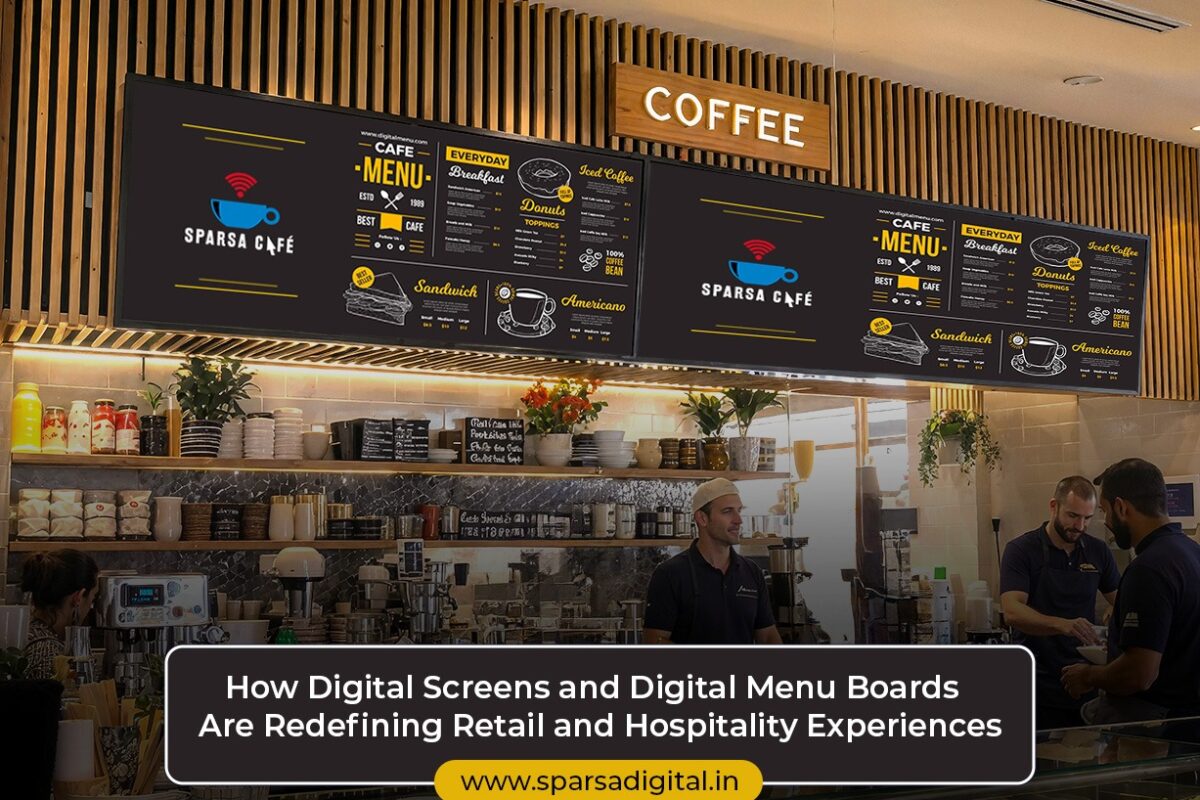
How Digital Screens and Digital Menu Boards Are Redefining Retail and Hospitality Experiences

How Digital Screens and Digital Menu Boards Are Redefining Retail and Hospitality Experiences

In a world where digital engagement drives customer expectations, businesses across the globe are rapidly shifting away from traditional static signage. Among the most impactful technologies in this transformation are digital screens and digital menu boards. These tools not only modernize visual communication but also enhance customer engagement, increase sales, and offer real-time flexibility in how businesses present their offerings.

From fast-food chains and fine-dining restaurants to retail outlets and corporate cafeterias, digital menu boards have become an essential part of the customer experience. But their functionality doesn’t stop there. Digital screens are being used across verticals for promotions, branding, entertainment, and dynamic content delivery.

In this blog, we’ll explore the evolution, use cases, benefits, design strategies, and the future of digital screens and menu boards in commercial environments, along with FAQs to address common queries.

What Are Digital Screens?

Digital screens are electronic display panels that show multimedia content like videos, animations, text, and images. These can be:

  • LCD/LED monitors

  • Touchscreen kiosks

  • Outdoor LED panels

  • Transparent displays

  • Tabletop or shelf-mounted mini displays

They’re powered by content management systems (CMS) that allow businesses to schedule, edit, and control the content remotely across multiple locations in real time.

What Are Digital Menu Boards?

Digital menu boards are a subset of digital screens specifically designed to showcase food and beverage menus in cafes, QSRs (Quick Service Restaurants), bars, cloud kitchens, and even office cafeterias. They replace traditional static or printed menus with vibrant, updatable digital displays.

They typically display:

  • Menu items with prices

  • Combo deals and promotions

  • Nutrition info and allergen filters

  • Live order status (in some cases)

  • Daypart-based or seasonal menus

Why the Shift from Static to Digital Menu Boards?

Traditional printed menus or chalkboards are limited by their static nature. Any update, whether it’s pricing, imagery, or a new offer requires a physical reprint or redesign.

Digital menu boards, on the other hand, allow for:

  • Instant updates across branches

  • Dynamic content rotation based on time of day or inventory

  • Better visuals including motion graphics or high-res food photography

  • Upselling opportunities via targeted promotions

Key Applications of Digital Screens & Menu Boards

1. Restaurants & Cafes

The most common application, digital menu boards help restaurants:

  • Highlight specials of the day

  • Promote high-margin items

  • Enable order-at-counter models

  • Reduce perceived wait times through animations

Example: McDonald’s uses dynamic digital boards that adjust offerings based on location, time, and even weather (like promoting hot beverages during rainy days).

2. Retail Stores

In retail, digital screens are used for:

  • In-store promotions

  • Brand storytelling through videos

  • Interactive wayfinding or product locators

  • Flash sale announcements

Example: Nike stores use large LED screens to show athlete endorsements, real-time social media content, and new product launches.

3. Corporate & Campus Dining

Companies and universities use digital menu boards to:

  • Display cafeteria menus

  • Show calories and allergens

  • Rotate food options throughout the day

  • Promote sustainability messages (e.g., “Meatless Monday”)

4. Hotels & Hospitality

Hotels use digital screens in:

  • Lobby areas for welcome messages and event schedules

  • Restaurants for digital buffet menus or à la carte options

  • Conference rooms for real-time updates

5. Airports & Transportation Hubs

Digital menu boards are now a staple in airport food courts and lounges, helping display real-time pricing, wait times, and multilingual menus for global travelers.

6. Cinemas & Entertainment Venues

From concession stands to ticket counters, digital screens display movie times, combo offers, merchandise availability, and themed content.

Advantages of Digital Screens and Digital Menu Boards

Real-Time Updates

Prices, products, or content can be changed instantly, ideal for happy hours, lunch specials, or stock-based updates.

Increased Sales

Bright visuals, motion graphics, and strategically placed promotions drive impulse purchases and upsell combos.

Enhanced Customer Experience

Customers are more informed and visually stimulated, reducing wait-time frustration and boosting satisfaction.

Operational Efficiency

Digital menus cut printing costs and eliminate delays caused by menu redesigns or supply changes.

Brand Consistency

A centralized CMS ensures all locations showcase a uniform design, branding, and messaging.

Sustainability

Reduces paper waste and environmental impact from printing and transportation.

Content Strategies for Digital Menu Boards

To make your digital menu boards more effective, content must be visually engaging and strategically structured.

📋 Menu Structuring Tips:

  • Use categories (starters, mains, beverages)

  • Prioritize high-margin items with larger font or imagery

  • Rotate specials or limited-time offers

🎨 Design Best Practices:

  • Stick to brand colors and fonts

  • Use 1-2 dominant fonts only

  • Keep text large and readable from a distance

  • Use HD food imagery or looping short clips

🕐 Timing:

  • Daypart your menu (breakfast/lunch/dinner) to reduce clutter

  • Set time-based promotions (e.g., 4–6 PM Happy Hour visuals)

  • Update in real-time based on customer traffic or stock

Choosing the Right Type of Digital Screens

The kind of digital screens or menu boards you choose will depend on your industry, budget, and environment.

Display TypeIdeal ForProsCons
LED PanelsOutdoor, high-traffic zonesBright, weather-resistantHigher power usage
LCD ScreensIndoor signage, menusAffordable, widely availableLimited in sunlight
TouchscreensInteractive kiosks, feedbackEngaging and multi-functionalCostly to maintain
Shelf-mounted mini screensRetail product areasGreat for close-range contentNot ideal for long-form content
Portrait DisplaysStorefronts, pillar wrapsVertical promotions, aestheticsLimited layout space

Integration Possibilities

The real magic of digital menu boards and digital screens lies in integration:

🔄 POS Integration

Automatically update menu items or display “Sold Out” status in real time.

📡 CMS Integration

Update content across multiple locations from one central dashboard.

📱 Mobile and QR Connectivity

Let customers scan to order, save menu items, or provide feedback.

📈 Analytics Integration

Track dwell time, most-viewed items, or engagement heatmaps for optimization.

Future of Digital Screens and Menu Boards

The coming years will witness several innovations:

🧠 AI-Powered Personalization

AI can change menu board content based on customer demographics, time of day, or weather.

📊 Real-Time Inventory Sync

Only show items currently in stock, no more disappointed customers.

🗣️ Voice-Enabled Screens

Incorporating voice commands for accessibility and contactless interaction.

🖼️ 3D & AR Integration

Augmented Reality for product visualization in retail or animated food presentation in hospitality.

Real-World Examples

🍔 KFC Smart Menu Boards

KFC in select global locations uses dynamic digital menu boards to upsell based on time of day and suggest meal combos, increasing average order value.

🛒 Walmart In-Store Digital Screens

Walmart uses overhead and shelf-mounted screens to display deals, guide customers, and reduce dependency on staff for routine queries.

🍽️ Starbucks Interactive Menu Boards

Some flagship Starbucks stores use touchscreen menu boards for customizing beverages, showing ingredient info, and nutrition data, improving order accuracy.

Common Challenges and Solutions

❌ High Initial Investment

Solution: Start small- use one or two screens at high-traffic touchpoints. Scale later.

❌ Connectivity Issues

Solution: Choose screens with offline playback capabilities and cloud-syncing fallback.

❌ Content Fatigue

Solution: Rotate content weekly and use analytics to assess what works best.

❌ Staff Training Gaps

Solution: Offer training manuals and remote support to ensure smooth operation.

Q1. What is a digital menu board?

A digital menu board is an electronic screen used to display food or beverage menus. It replaces printed menus and allows for real-time updates, dynamic visuals, and promotions.

Q2. How do digital screens differ from traditional signage?

Digital screens allow for animated, video, and interactive content that can be updated remotely, whereas traditional signage is static and must be manually replaced.

Q3. Are digital menu boards expensive?

While initial setup may cost more than printed menus, digital menu boards save money in the long run by eliminating reprinting, improving upsells, and increasing operational efficiency.

Q4. Can digital menu boards be used outdoors?

Yes. LED digital screens with weatherproof enclosures and high-brightness displays are ideal for drive-thrus and outdoor installations.

Q5. Can I change content on digital screens remotely?

Yes. With a content management system (CMS), you can update content on multiple screens in real-time from any location.

Q6. Are digital menu boards compatible with POS systems?

Most modern digital menu boards can be integrated with POS systems to reflect live pricing, inventory status, or order numbers.

Q7. How much maintenance do digital screens require?

They require minimal maintenance, such as regular cleaning and occasional software updates. Touchscreens may need recalibration or protective overlays.

Q8. Can digital screens work without the internet?

Yes, many systems support offline content playback. However, the internet is required for remote updates and real-time data sync.

Conclusion

Digital screens and digital menu boards are more than just a tech upgrade. They’re an essential part of the modern customer experience. Whether you’re a restaurateur aiming to upsell dishes, a retailer promoting new arrivals, or a hotel looking to streamline lobby communication, these digital solutions empower your brand to engage, inform, and convert like never before.

Their ability to reduce operational costs, deliver consistent branding, and provide a visually captivating interface makes them a must-have in today’s fast-paced commercial landscape. The time to make the digital leap is now, and your screens are your silent, most powerful salespeople.
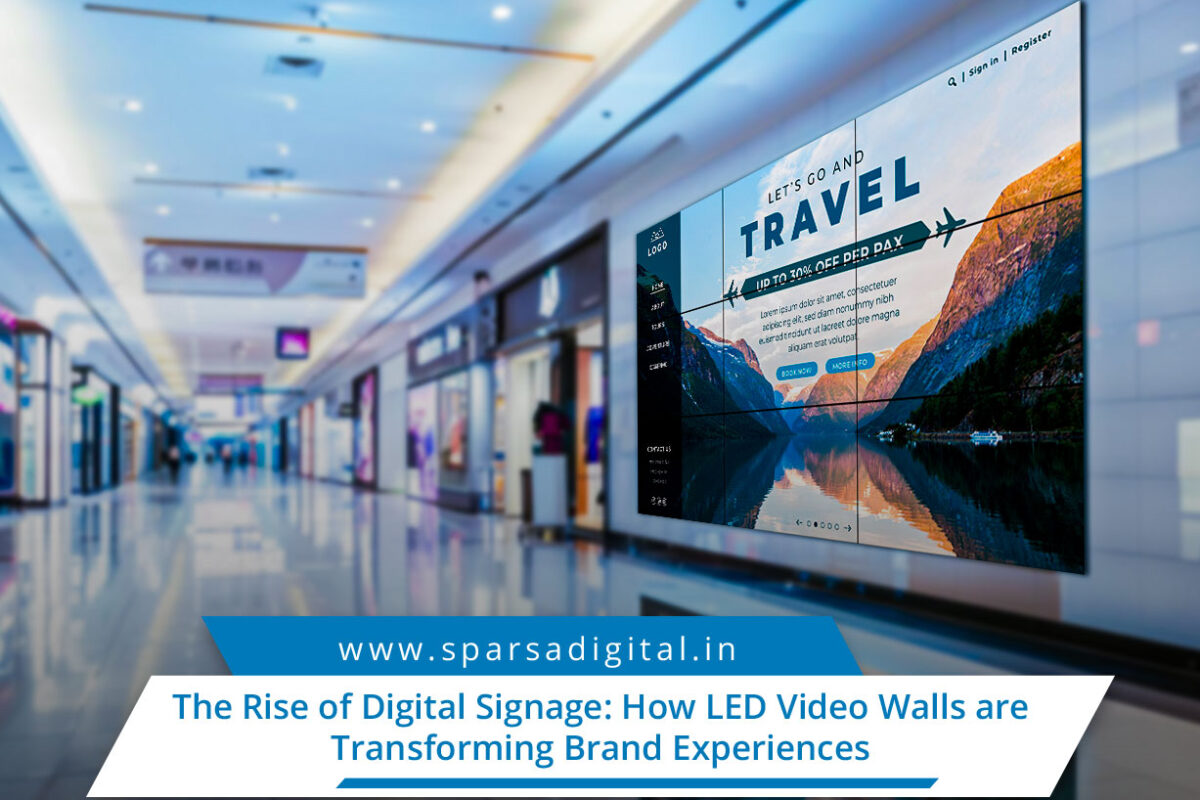
The Rise of Digital Signage How LED Video Walls

The Rise of Digital Signage: How LED Video Walls are Transforming Brand Experiences

In today’s fast-paced digital era, engaging customers visually is more than just a luxury, it’s a necessity. Businesses across retail, hospitality, transportation, and corporate sectors are rapidly adopting visual technologies to connect with their audiences. Two major components driving this visual revolution are digital signage companies and LED video walls.

Digital signage has evolved from simple text-based displays into a sophisticated ecosystem of dynamic content, data-driven messaging, and stunning visuals. A leading digital signage company today offers end-to-end solutions, from hardware installation to software management and content strategy. And at the heart of many of these experiences lies the LED video wall, a powerhouse of visibility and engagement.

This blog explores the intersection of these two powerful tools, how they work together to redefine communication, and why they’re essential in the modern business landscape.

What is a Digital Signage Company?

A digital signage company provides the technology, services, and expertise required to deliver dynamic multimedia content across various display formats. These companies may specialize in:

  • Designing and installing digital displays

  • Customizing content management systems (CMS)

  • Offering cloud-based platforms for remote content control

  • Providing analytics to track engagement

  • Maintaining and supporting hardware/software solutions

A trusted digital signage company doesn’t just sell screens, it crafts immersive communication strategies for brands that want to stand out in noisy environments.

Understanding the LED Video Wall

An LED video wall is a display technology that stitches together multiple LED panels to form one large, seamless screen. It can be used indoors or outdoors, in varying brightness levels, pixel pitches, and resolutions.

Key characteristics of an LED video wall:

  • Modular design allows for custom screen sizes and shapes

  • High brightness and visibility even in direct sunlight

  • Energy-efficient compared to other display types

  • Seamless integration with CMS platforms

  • Durability in harsh weather conditions (for outdoor models)

From airport terminals to flagship retail stores, LED video walls offer unmatched flexibility and visual impact.

Benefits of Partnering with a Digital Signage Company

Whether you’re a small business or a global brand, working with a professional digital signage company offers a host of advantages:

1. Strategic Planning and Consultation

A good signage provider will assess your business needs and recommend appropriate display solutions, whether that’s an indoor kiosk, a menu board, or a massive LED video wall.

2. Turnkey Deployment

From electrical work and mount installation to networking and content synchronization, digital signage companies ensure everything works flawlessly from day one.

3. Custom Content Creation

Engaging content is key to signage success. Providers often have in-house creative teams to design visuals tailored to your audience and objectives.

4. Centralized Control

Modern digital signage platforms allow users to schedule and control content remotely across multiple locations, ensuring consistent branding.

5. Ongoing Support and Maintenance

Downtime can damage customer experience. With professional maintenance and technical support, issues are resolved quickly.

Use Cases: Where LED Video Walls Make an Impact

Retail

In flagship stores or malls, LED video walls are used for product showcases, seasonal promotions, and interactive experiences. A digital signage company helps retailers craft visuals that attract foot traffic and drive conversions.

Corporate Communication

Corporate lobbies and boardrooms use LED video walls for presentations, dashboards, and announcements offering high-resolution, dynamic content that can be updated in real-time.

Transportation Hubs

Airports and metro stations leverage LED displays for wayfinding, schedules, and advertisements. These environments require displays that operate 24/7 with minimal maintenance.

Entertainment and Sports Arenas

Large-format LED video walls elevate fan engagement through instant replays, live stats, and immersive visuals, turning any event into a spectacle.

Hospitality

Hotels use digital displays in lobbies, conference areas, and restaurants to enhance guest experiences and streamline communication.

Key Considerations When Choosing an LED Video Wall

Choosing the right LED video wall goes beyond picking the biggest screen. Here’s what you should consider:

1. Pixel Pitch

This measures the distance between pixels. The lower the pixel pitch, the higher the resolution and image quality, especially important for close-viewing environments like retail.

2. Indoor vs. Outdoor

Outdoor LED walls need higher brightness levels and weather resistance. Indoor displays, on the other hand, prioritize image fidelity and aesthetic integration.

3. Viewing Distance

Depending on where your audience will stand, your signage provider will recommend the optimal screen size and resolution.

4. Maintenance Access

Front or rear access is crucial for maintenance. Choose a design based on your available space and installation location.

5. Content Strategy

A top-tier digital signage company will help you create a scalable content plan, keeping your messaging fresh and relevant.

1. Interactivity

Touch-enabled LED video walls and gesture-based content are growing rapidly. Businesses are embracing these technologies for better customer engagement.

2. AI-Driven Content

Integrating artificial intelligence into signage platforms enables real-time personalization, such as changing content based on audience demographics or time of day.

3. Green Technology

Energy-efficient LED modules and eco-friendly signage practices are becoming standard as companies prioritize sustainability.

4. Integration with IoT

Sensors and IoT devices enable real-time data integration. For example, updating retail promos based on stock availability.

5. Ultra-Fine Pixel Pitch

As technology improves, even giant LED walls can now achieve 4K and 8K resolutions for stunning clarity, especially vital for luxury and high-end retail applications.

How to Choose the Right Digital Signage Company

With so many options on the market, it’s essential to vet providers carefully. Here are some tips:

  • Check Portfolio: Do they have experience in your industry?

  • Ask About Software: Is their CMS user-friendly and cloud-compatible?

  • Look for Support Options: Is 24/7 support available?

  • Inquire About Customization: Can they build a solution tailored to your space and brand?

  • Consider Scalability: Will their platform grow with your business?

A reputable digital signage company will guide you through the technology landscape and deliver a solution that’s both visually impressive and strategically aligned with your goals.

Case Study: Retail Chain Boosts Sales with LED Video Wall Rollout

A popular apparel brand recently partnered with a leading digital signage company to install LED video walls in 50 flagship locations across India. The displays showcased high-definition fashion runways, influencer endorsements, and live product demos.

Results:

  • 23% increase in foot traffic within 3 months

  • 18% uplift in same-store sales

  • Enhanced brand perception and social media shares

This example illustrates how the right signage strategy can drive real business results.

Q1. What is the difference between LCD and LED video walls?

LED video walls use individual light-emitting diodes to produce images, offering superior brightness, color contrast, and energy efficiency. LCD video walls use backlit panels, are generally less bright, and may have visible bezels between screens.

Q2. How much does it cost to install an LED video wall?

Costs vary based on size, resolution, pixel pitch, and installation complexity. On average, indoor LED video walls can range from ₹4,000-₹10,000 per square foot. Outdoor walls may cost more due to weatherproofing.

Q3. Can digital signage companies handle both hardware and software?

Yes. Most full-service digital signage companies offer comprehensive packages that include hardware (screens, mounts, players), software (CMS platforms), and services (installation, maintenance, training).

Q4. Are LED video walls suitable for small businesses?

Absolutely. Thanks to modular design and falling prices, even small businesses can benefit from compact LED displays, particularly in high-traffic areas like reception desks or store windows.

Q5. How long do LED video walls last?

A quality LED video wall typically lasts between 80,000 to 100,000 hours, or roughly 8–10 years of continuous use. Routine maintenance can extend this lifespan.

Q6. What industries use digital signage the most?

Retail, hospitality, healthcare, education, transportation, and corporate offices are the top adopters of digital signage technologies.

Q7. Can LED video walls show live content?

Yes. LED walls can integrate with live feeds, social media streams, or real-time data dashboards, offering dynamic and interactive content.

Final Thoughts

In an era where attention is the ultimate currency, digital signage companies and LED video walls are critical tools for any brand looking to break through the noise. From elevating customer experiences to streamlining internal communications, the potential is enormous.

As technology becomes more accessible and content more intelligent, the collaboration between digital signage providers and businesses will continue to grow. The brands that invest today in immersive digital experiences will be the ones leading tomorrow’s visual revolution.

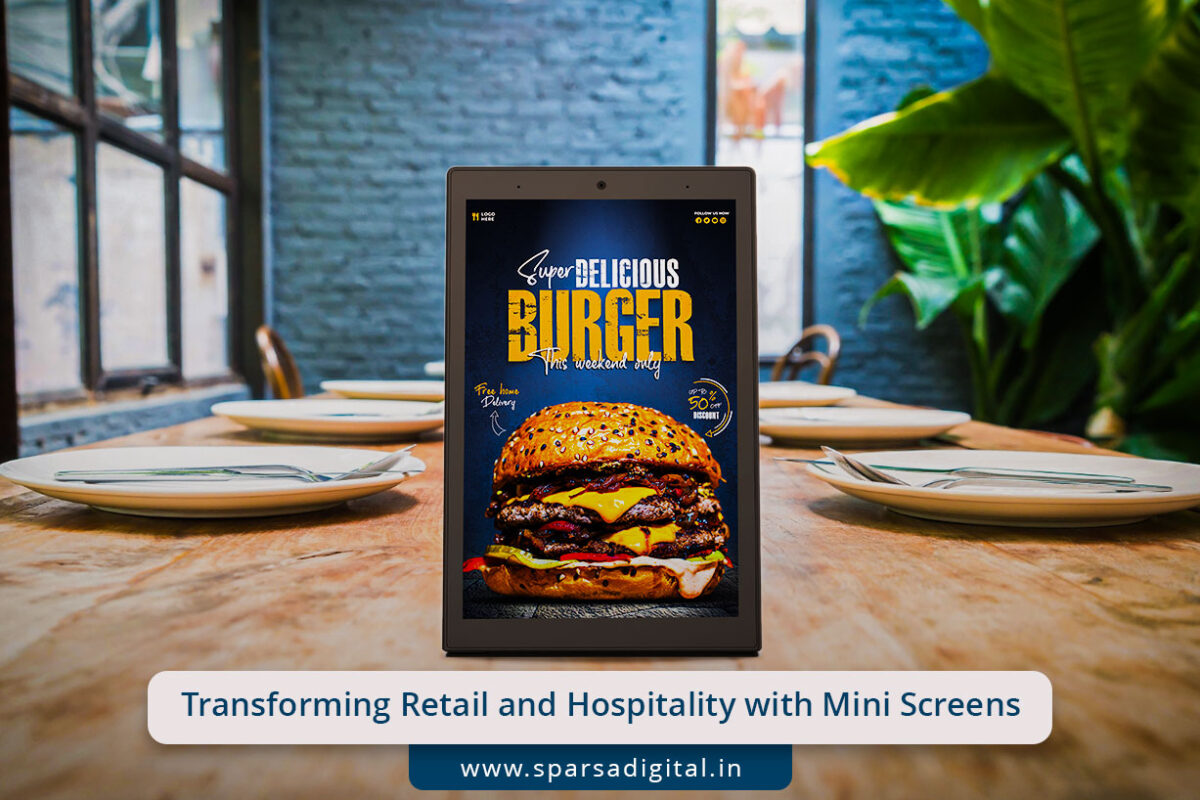
Transforming Retail and Hospitality with Mini Screens

Transforming Retail and Hospitality with Mini Screens, Mini Displays & Interactive Digital Table Tents

In an age where attention spans are short and digital engagement is king, businesses are actively seeking innovative ways to capture customer interest. Enter mini screens, mini displays, and interactive digital table tents, technologies that are redefining how brands communicate in physical spaces like restaurants, retail stores, hospitality venues, events, and more.

These compact, smart, and engaging devices bring content to life at eye level, enabling real-time interaction, product discovery, promotions, and personalized experiences. Whether placed on a restaurant table, store shelf, or reception desk, they serve as a bridge between the physical and digital world.

In this article, we explore the rise of these technologies, their applications, benefits, design tips, real-world use cases, and answer some of the most commonly asked questions.

What Are Mini Screens and Mini Displays?

Mini screens and mini displays are small-sized digital screens typically ranging from 3 to 10 inches, designed to deliver high-impact content in tight spaces. These displays are commonly used for:

  • Product promotions

  • QR code redirection

  • Menu boards

  • Customer feedback collection

  • Branding or visual storytelling

Depending on their functionality, they can be static (looping video or image content) or interactive (touch-enabled, responsive UI).

They come in various form factors- desktop-mounted screens, freestanding displays, clip-on shelf screens, or even battery-powered portable units.

What is an Interactive Digital Table Tent?

An interactive digital table tent is a modern upgrade to traditional printed table cards or tent-style signs found on restaurant tables or checkout counters. Unlike static signage, these table tents:

  • Feature small digital screens (mini screens)

  • Allow touch interaction

  • Display rotating or real-time content

  • Can be battery-powered, rechargeable, or connected to Wi-Fi

Common uses include digital menus, feedback forms, promotional offers, product information, customer reviews, and even games or quizzes.

In restaurants, hotels, showrooms, and exhibitions, interactive digital table tents turn every tabletop into a storytelling opportunity.

Applications Across Industries

1. Hospitality & Dining

Mini displays are revolutionizing the way menus, promotions, and feedback are handled.

  • Interactive Menus: Let guests browse food options, view ingredients, filter based on allergens, and even place orders.

  • Upsell Offers: Showcase combo deals, happy hour specials, or dessert promos with animation and video.

  • Feedback Collection: With a single tap, customers can rate service, provide suggestions, or scan a QR for longer surveys.

2. Retail Environments

Mini screens placed on shelves or counters allow product discovery and comparison.

  • Product Explainers: A small screen beside a product explaining features, benefits, and usage instructions.

  • Brand Storytelling: Communicate the brand’s values or journey through video content.

  • Cross-selling: “Complete the Look” or “Buy Together” options on mini displays near fashion accessories or gadgets.

3. Events & Exhibitions

At trade shows and expos, where competition for attention is fierce, mini displays shine.

  • Booth Introductions: Let attendees explore offerings without waiting for a rep.

  • Interactive Demos: Touchscreen product walkthroughs.

  • Lead Capture: Quick digital forms embedded in table tents or countertop displays.

4. Healthcare & Clinics

Provide important information while patients wait.

  • Treatment Information: Animated explainers on treatments or processes.

  • Health Tips: Seasonal advice or FAQs shown via mini displays in waiting rooms.

  • Appointment Booking: Patients can scan a QR or fill a basic form using interactive digital table tents.

5. Hospitality & Front Desks

Hotel lobbies and concierge desks use mini screens for:

  • Check-in Instructions

  • City Guide Recommendations

  • Real-time Weather or Traffic Updates

Benefits of Using Mini Screens and Interactive Digital Table Tents

1. Space-Efficient Communication

With shrinking attention spans and limited counter space, mini displays offer maximum message delivery in a compact footprint.

2. Real-Time Content Updates

Thanks to cloud-based content management systems (CMS), promotions and messages can be updated instantly across locations.

3. Personalization Opportunities

Mini screens connected to CRM or loyalty apps can show targeted offers or greet customers by name.

4. Improved Customer Engagement

Touch-based table tents invite interaction, offering a richer and more memorable customer experience than static signage.

5. Data Collection

Interactive digital table tents can collect valuable insights, button taps, preferences, feedback scores, and more.

6. Sustainability

Replacing printed tent cards and brochures with digital displays reduces paper waste and print costs over time.

Design Tips for Effective Mini Displays

To get the most out of your mini screens and interactive table tents, consider these design tips:

Keep It Simple

Use short phrases, large fonts, and clear CTAs (Call-to-Actions). The screen real estate is small, so avoid clutter.

Use Motion Wisely

A short animation or video loop can grab attention but don’t overuse: it should enhance, not distract.

Prioritize Interaction

For interactive displays, make navigation intuitive. Use touch targets that are large enough and responsive.

Add Mobile Connectivity

Include a QR code or NFC tag that lets users continue the experience on their phone.

Ensure Power Management

Use energy-efficient screens. For battery-powered devices, provide charging docks or replaceable battery options.

Enable Wi-Fi/Bluetooth

Connectivity allows syncing with your POS, CRM, or CMS in real-time.

Mini Screens vs Tablets: What’s the Difference?

Though tablets are often used as digital kiosks or feedback tools, mini displays and interactive digital table tents are purpose-built for passive or semi-interactive use in high-traffic areas.

FeatureMini Screens/DisplaysTablets
CostLowerHigher
Form FactorSlim, focusedBulky, multipurpose
Power SourceBattery or USBBattery only
PurposeDedicated displayGeneral purpose
SecurityUsually fixedTheft risk if untethered
InteractivityOptionalHigh

If your goal is to display rotating content or offer light interaction, mini displays are more efficient and cost-effective.

🔮 AI Personalization

Smart mini screens will soon use facial recognition or NFC cards to greet returning customers and offer tailored content.

📡 Real-Time Analytics

Track dwell time, interaction heatmaps, and content performance to optimize messaging.

💬 Voice Assistance

Voice-activated table tents in hospitality settings could allow guests to request water, ask for recommendations, or play games.

🌍 Sustainability Focus

More businesses are moving towards eco-friendly digital signage to replace disposable printed materials.

🧩 Modular Displays

Future displays will be modular, allowing businesses to connect multiple mini screens for a multi-angle, immersive display wall.

Real-World Use Cases

🏨 Marriott Bonvoy Lounges

Marriott uses interactive digital table tents in their premium lounges to offer guests personalized service information, beverage recommendations, and in-room booking offers.

🛍️ Nykaa Luxe Retail Stores

Nykaa integrates mini displays near makeup products to display tutorials, reviews, and skin tone match suggestions, helping buyers make quick decisions.

🍽️ Haldiram’s Digital Menu Table Tents

Popular Indian food chain Haldiram’s has begun deploying interactive digital table tents that let customers browse menus, see combo suggestions, and call waiters: all from their table.

🧳 Indigo Airlines Counters

Mini displays at check-in counters offer real-time flight updates, baggage allowance tips, and customer feedback prompts in multiple languages.

Challenges to Keep in Mind

While this technology is transformative, some challenges need addressing:

  • Initial investment in hardware and content design

  • Battery management in high-use environments

  • Staff training to troubleshoot or assist with customer interaction

  • Security of unattended devices in public spaces

  • Multilingual support for diverse audience bases

Choosing a reliable provider and planning your content strategy are key to overcoming these challenges.

Q1. What are mini screens used for in retail and hospitality?

Mini screens are small digital displays used to show promotional content, product information, digital menus, and more in limited spaces like counters, tables, or shelves.

Q2. How are interactive digital table tents different from static ones?

Interactive digital table tents allow touch-based interaction and real-time updates, unlike static table tents which are printed and unchanging.

Q3. Are mini displays expensive?

Prices vary based on screen size, interactivity, and features. Basic models start from ₹3,000–₹7,000, while interactive ones with touch and connectivity can go up to ₹20,000+.

Q4. Can content on mini displays be updated remotely?

Yes. Most modern mini displays and digital table tents come with cloud-based content management systems (CMS) that allow remote updates across locations.

Q5. Do mini displays require Wi-Fi?

Not always. While Wi-Fi enables real-time content syncing, many systems work offline with preloaded content or USB updates.

Q6. Where can interactive digital table tents be used?

Anywhere with foot traffic- restaurants, cafes, salons, showrooms, event booths, clinics, and even classrooms.

Q7. Can customers place orders using a mini display?

Yes, if the screen is interactive and linked to a POS or order management system, customers can browse items and place orders directly.

Q8. Are these devices environmentally friendly?

Digital table tents reduce the need for printing menus, brochures, and table cards, making them more eco-friendly over time, especially with energy-efficient screens.

Conclusion

Mini screens, mini displays, and interactive digital table tents are no longer just tech novelties, they’re the new standard for customer engagement in physical spaces. By combining space efficiency, interactivity, and personalization, they elevate the customer experience while enabling real-time communication and measurable insights.

From table-top menus to shelf-edge product explainers, these compact powerhouses are reshaping how we connect with customers in the real world- one screen at a time.

Whether you’re a restaurateur, retailer, event manager, or hotelier, adopting this technology isn’t just smart, it’s essential for staying relevant in today’s experience-driven economy.

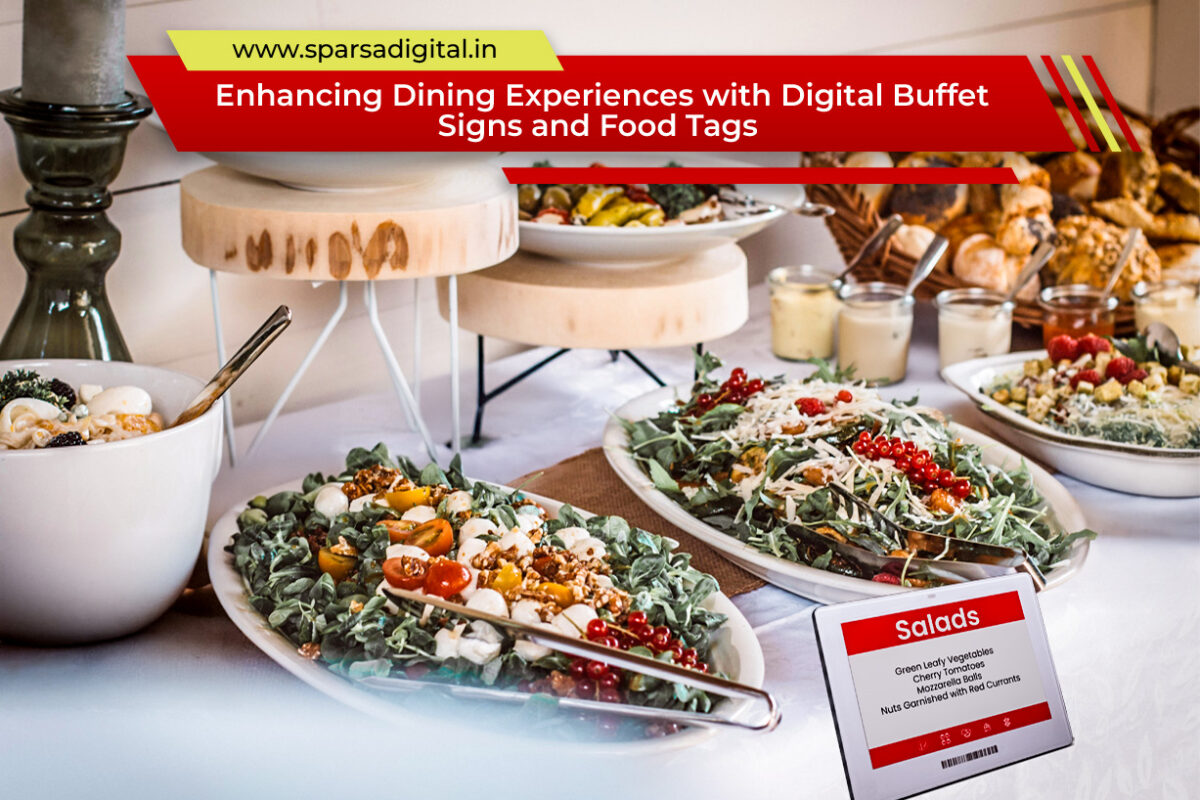
Enhancing-Dining-Experiences-with-Digital-Buffet-Signs-and-Food-Tags

Enhancing Dining Experiences with Digital Buffet Signs and Food Tags

In the hospitality and catering industry, presentation and efficiency are key to creating memorable dining experiences. Whether it’s a luxury hotel, a cruise ship, a wedding reception, or a high-end restaurant, buffets remain a popular dining option due to their variety and convenience. But one crucial detail often overlooked is how food items are labeled.

Gone are the days of handwritten tent cards or flimsy paper name tags. Enter digital buffet signs, also known as digital food name tags for buffet and digital food tags for buffet- a sleek, modern solution designed to elevate buffet presentations while improving communication, hygiene, and operational flexibility.

In this article, we’ll explore the power of these digital solutions and how they’re transforming the buffet experience for both guests and food service providers.

What Are Digital Buffet Signs?

Digital buffet signs are small electronic displays used to label dishes at buffets. These signs often utilize e-ink or LCD screens to present the name of the dish, ingredients, dietary icons (e.g., vegan, gluten-free), and even allergy warnings. They can be updated remotely via Wi-Fi or Bluetooth, enabling real-time content management without the need for manual changes.

Why Traditional Buffet Labels Fall Short

Traditional buffet labeling methods: printed cards, chalkboards, or laminated sheets—may be functional, but they come with limitations:

  • Frequent wear and tear

  • Inconsistent handwriting or formatting

  • Difficulty updating last-minute menu changes

  • Limited space for dietary or allergy information

  • Environmental waste from reprinting cards

In contrast, digital food tags for buffet offer a modern, dynamic, and professional approach that aligns with the expectations of today’s tech-savvy diners.

Benefits of Digital Food Name Tags for Buffet Settings

1. Real-Time Updates

Menu changes happen often, especially in buffets where dishes may rotate based on time of day or guest preferences. With digital buffet signs, you can update dish names or ingredients remotely from a central dashboard, even while guests are dining.

Example: A brunch buffet switches scrambled eggs to an omelet station mid-morning. The label can be updated instantly without interrupting service or replacing a card.

2. Clear Dietary Communication

Today’s diners are more conscious than ever of what they eat. Food allergies, intolerances, and dietary preferences require clear communication. Digital food name tags for buffet settings can display:

  • Icons for vegan, vegetarian, keto, halal, kosher, etc.

  • Common allergen warnings (nuts, dairy, gluten)

  • Ingredient breakdowns for transparency

This reduces guest uncertainty and minimizes the burden on staff to answer repetitive questions.

3. Elegant and Consistent Presentation

Uniform fonts, branding, and formatting across all buffet tags enhance the overall aesthetic. Digital buffet signs align with modern interior designs and give the buffet a high-end, tech-forward look.

4. Multilingual Support

For international guests, especially at resorts and cruise lines, digital buffet signs can rotate or toggle between multiple languages, ensuring every guest feels welcomed and informed.

5. Reduced Labor and Printing Costs

Replacing and printing new cards every time there’s a change adds up. Digital food tags eliminate recurring costs and reduce the time staff spend on labeling logistics.

Use Cases for Digital Buffet Signs

1. Hotel Breakfast Buffets

Eggs, sausages, fruits, cereals; these often change by the day or guest volume. Digital food tags help hotel staff keep the display current without reprinting dozens of cards.

2. Wedding and Event Catering

Weddings often have special dietary requests. Digital food name tags for buffet use allow for personalized, elegant labeling that reflects the couple’s theme and menu.

3. Cruise Ships

Menus on cruise ships change daily. Digital buffet signs streamline onboard operations by updating displays instantly across multiple decks or restaurants.

4. Corporate Events

Professional settings demand precision. Digital buffet signs reduce confusion during conferences, workshops, or office events by providing clear, professional signage.

5. Themed Restaurants and Resorts

Some resorts rotate international cuisines by night. Digital tags allow instant theme switching Italian on Monday, Thai on Tuesday, without additional signage logistics.

Key Features to Look for in Digital Buffet Signage

When selecting digital food name tags for buffet service, consider the following features:

  • Battery Life: Look for signs with long-lasting rechargeable or replaceable batteries.

  • Screen Type: E-ink screens are glare-free and energy efficient; LCDs support animation and color.

  • Water-Resistance: Essential in environments with spills or steam.

  • Connectivity: Wi-Fi or Bluetooth-enabled for easy updates.

  • Customization: Support for icons, images, and brand logos.

  • Stand Design: Choose a sleek holder that complements your buffet presentation.

Sustainability and Hygiene Advantages

In a post-COVID world, hygiene is top priority. Reusable digital buffet signs reduce the need for communal menus or printed materials handled by multiple people. They are easy to sanitize and maintain a clutter-free setup.

Moreover, eliminating paper labels aligns with green initiatives, contributing to more sustainable food service operations.

How to Implement Digital Food Tags for Your Buffet

Step 1: Choose a System

Many vendors offer cloud-based platforms where you can manage the content on all your signs from a single interface. Some even integrate with POS or kitchen management software.

Step 2: Set Up Design Templates

Create standardized templates for consistent branding—include your logo, fonts, and dietary icons.

Step 3: Train Your Team

Ensure your culinary and service staff know how to make quick edits and manage the dashboard.

Step 4: Start Small, Scale Later

You can begin by implementing digital tags in one buffet section (e.g., desserts or hot foods) and expand as needed.

FAQs About Digital Buffet Signs

1. Are digital buffet signs waterproof?

Many models are water- and heat-resistant, designed specifically for food environments. Always check the IP rating when choosing a product.

2. How long does the battery last?

E-ink versions can last up to 5 years on a single charge or battery, depending on how often the display is updated.

3. Can I add custom logos or icons?

Yes. Most systems support logo uploads and custom icon sets to indicate allergens or dietary categories.

4. Do digital food name tags work offline?

Some signs retain their last display when offline, but real-time updates require network access.

5. Are they expensive?

While the initial investment is higher than paper tags, digital food tags are cost-effective over time, thanks to labor savings and reduced printing costs.

6. Can I use them in outdoor buffets?

Yes, but make sure to choose weather-resistant models and ensure visibility in bright sunlight, especially for LCD screens.

7. What happens if I run out of signs during service?

Most systems allow you to repurpose or update tags in seconds from a central device, ensuring flexibility even during high-pressure events.

Conclusion

In today’s fast-paced, health-conscious, and tech-forward dining landscape, digital buffet signs are more than a convenience, they’re a strategic asset. By using digital food name tags for buffet services, venues can deliver a modern, hygienic, and efficient presentation that enhances both the guest experience and back-of-house operations.

Whether you’re a hotel, cruise ship, wedding caterer, or resort operator, digital food tags for buffet can simplify your workflow, reduce operational costs, and impress your guests with innovation and attention to detail.

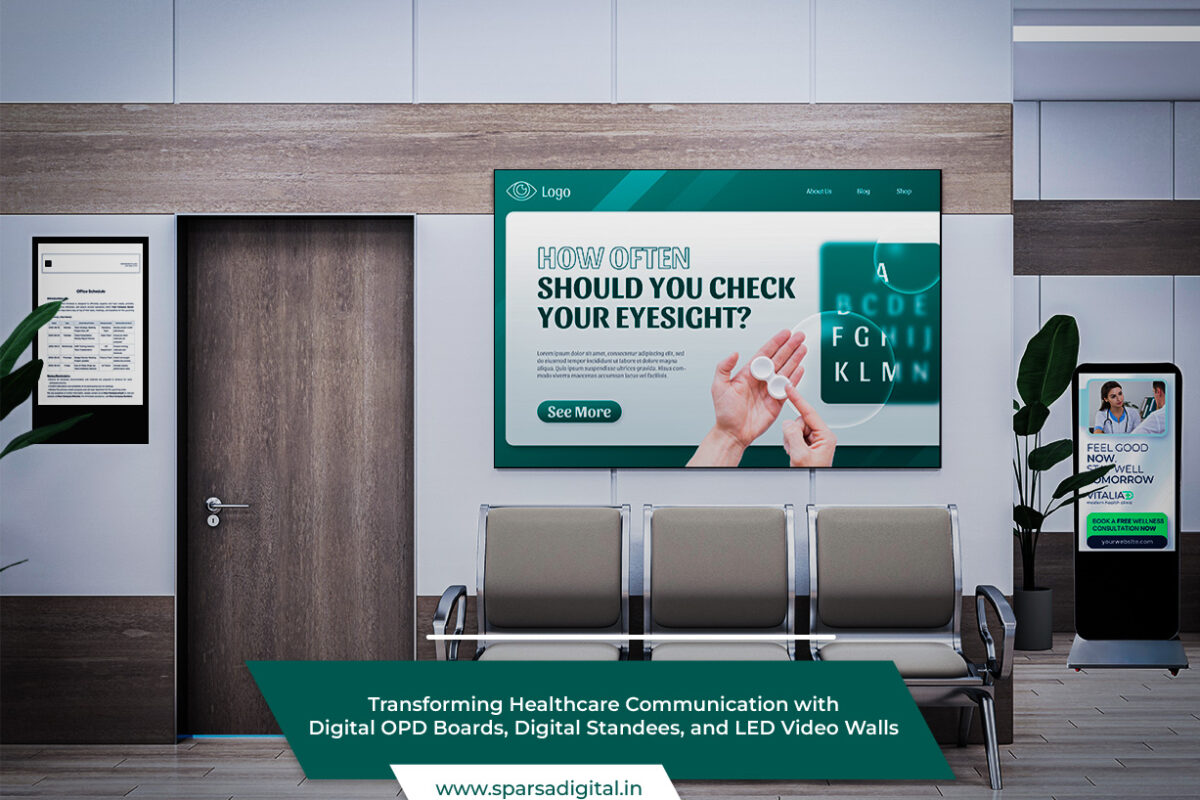
Transforming Healthcare Communication with Digital OPD Boards, Digital Standees, and LED Video Walls

Transforming Healthcare Communication with Digital OPD Boards, Digital Standees, and LED Video Walls

The healthcare industry is rapidly adopting modern digital technologies to streamline operations, enhance patient experience, and improve internal communication. Among these technologies, Digital OPD Boards, Digital Standees, and LED Video Walls for digital signage for healthcare are transforming how information is delivered in hospitals, clinics, and healthcare centers.

In this blog, we’ll explore how each of these tools contributes to a smarter, more efficient healthcare environment and why they are becoming indispensable in the digital age.

The Evolution of Hospital Communication

Traditionally, hospitals have relied on whiteboards, paper signs, and verbal announcements to convey information to patients and staff. While functional, these methods often lead to confusion, delays, and a less-than-ideal patient experience. In contrast, digital signage in healthcare offers a dynamic, real-time, and visually engaging solution.

Let’s break down how Digital OPD Boards, Digital Standees, and LED Video Walls are each playing a pivotal role in this digital revolution.

1. Digital OPD Boards: Simplifying Patient Flow

Digital OPD Boards (Outpatient Department Boards) are now a staple in many modern hospitals. These boards display real-time information such as:

  • Doctor availability

  • Appointment schedules

  • Token or queue numbers

  • Patient wait times

  • Consultation room numbers

Benefits of Digital OPD Boards

  • Improved Patient Experience: Patients no longer need to constantly ask staff for updates. They can simply view the board to see when and where they will be seen.

  • Real-Time Updates: Schedules and changes are updated instantly, reducing confusion and congestion.

  • Streamlined Workflow: Front-desk staff can focus on important tasks instead of answering repetitive queries.

Custom Features

Hospitals can customize Digital OPD Boards to include multilingual options, departmental color coding, or even patient instructions, making them user-friendly and inclusive.

View Our Portfolio: Digital OPD Boards for Hospitals

2. Digital Standees: Interactive and Informative

A Digital Standee is a freestanding digital display, often placed at entrances, lobbies, or hallways. Unlike static posters, these smart displays can cycle through multiple messages, graphics, and videos.

How Digital Standees Add Value in Healthcare

  • Health Campaigns & Announcements: Promote awareness about diseases, vaccination drives, or hygiene tips.

  • Navigation Aid: Interactive maps help visitors locate departments or clinics quickly.

  • Doctor Profiles: Introduce physicians, their specialties, consultation hours, and achievements.

  • Self-Service Kiosks: With touchscreen features, digital standees can be used for check-ins, registration, and feedback collection.

Why Digital Standees Are Ideal

Their sleek design, mobility, and versatility make digital standees a cost-effective communication tool for hospitals of all sizes.

3. LED Video Wall for Digital Signage for Healthcare: The Ultimate Visual Experience

An LED Video Wall for digital signage for healthcare is a large display system made up of multiple LED screens. It’s often used in lobbies, conference rooms, or waiting areas.

Key Applications in Healthcare

  • Emergency Alerts: Immediate display of emergency messages or code blue situations.

  • Hospital Announcements: Real-time updates on policy changes, visiting hours, or hospital news.

  • Patient Education: Display informative videos on preventive care, treatment options, or wellness routines.

  • Event Broadcasting: Live-stream medical conferences, surgeries for training, or awareness events.

Advantages of LED Video Walls

  • High Visibility: Eye-catching and visible from a distance.

  • Content Flexibility: Show videos, images, scrolling text, or split-screen messages.

  • Centralized Control: Easily update content across multiple displays from a single system.

Integrating Digital Signage in Healthcare: Best Practices

Implementing Digital OPD Boards, Digital Standees, and LED Video Walls is more than just installing screens. Here are some best practices for success:

1. Centralized Content Management System (CMS)

Use a CMS to control all displays across the facility from one platform. This allows seamless updates, scheduling, and content rotation.

2. Ensure HIPAA Compliance

Avoid displaying sensitive patient data publicly. All content should comply with data privacy laws and institutional protocols.

3. Invest in Quality Hardware

Medical environments demand durable, easy-to-clean, and high-resolution equipment. Choose healthcare-grade displays that can operate 24/7.

4. Keep Content Relevant

Rotate between medical news, patient instructions, wait times, health tips, and doctor availability. Relevance enhances engagement.

5. Train Staff

Educate your administrative and IT staff on managing digital signage effectively, ensuring smooth operation and quick troubleshooting.

FAQs About Digital Signage in Healthcare

Q1: What is the primary use of Digital OPD Boards in hospitals?

A: Digital OPD Boards help patients view real-time appointment schedules, doctor availability, and token numbers. They reduce wait-time confusion and streamline the outpatient process.

Q2: How is a Digital Standee different from a regular display screen?

A: A Digital Standee is a freestanding display, often interactive, designed for mobility and flexibility. It can be used for self-service tasks, announcements, or promotions.

Q3: Can an LED Video Wall be used outdoors?

A: Yes, with weatherproof and high-brightness models, LED video walls can be installed outside hospital premises to display public health messages and navigation directions.

Q4: Is it expensive to install digital signage in healthcare settings?

A: While the initial investment varies based on size and complexity, digital signage systems reduce long-term costs related to printing, staffing, and miscommunication.

Q5: How often should content be updated on these displays?

A: Content should be updated regularly to reflect schedule changes, news, and seasonal health campaigns. Most systems allow scheduling updates in advance.

Conclusion: Embrace the Future of Healthcare Communication

In a fast-paced healthcare environment, timely and effective communication can significantly impact patient satisfaction, operational efficiency, and safety. Digital OPD Boards, Digital Standees, and LED Video Walls for digital signage for healthcare are not just display tools—they’re strategic assets for any medical facility.

From enhancing patient engagement to reducing administrative burdens, digital signage systems are a must-have for forward-thinking hospitals and clinics. As healthcare continues to digitize, adopting these tools is not just beneficial, it’s essential.

Whether you are a small clinic looking for a simple Digital OPD Board or a large hospital planning a fully integrated LED Video Wall, now is the time to modernize your communication and lead the way into the future of patient care.

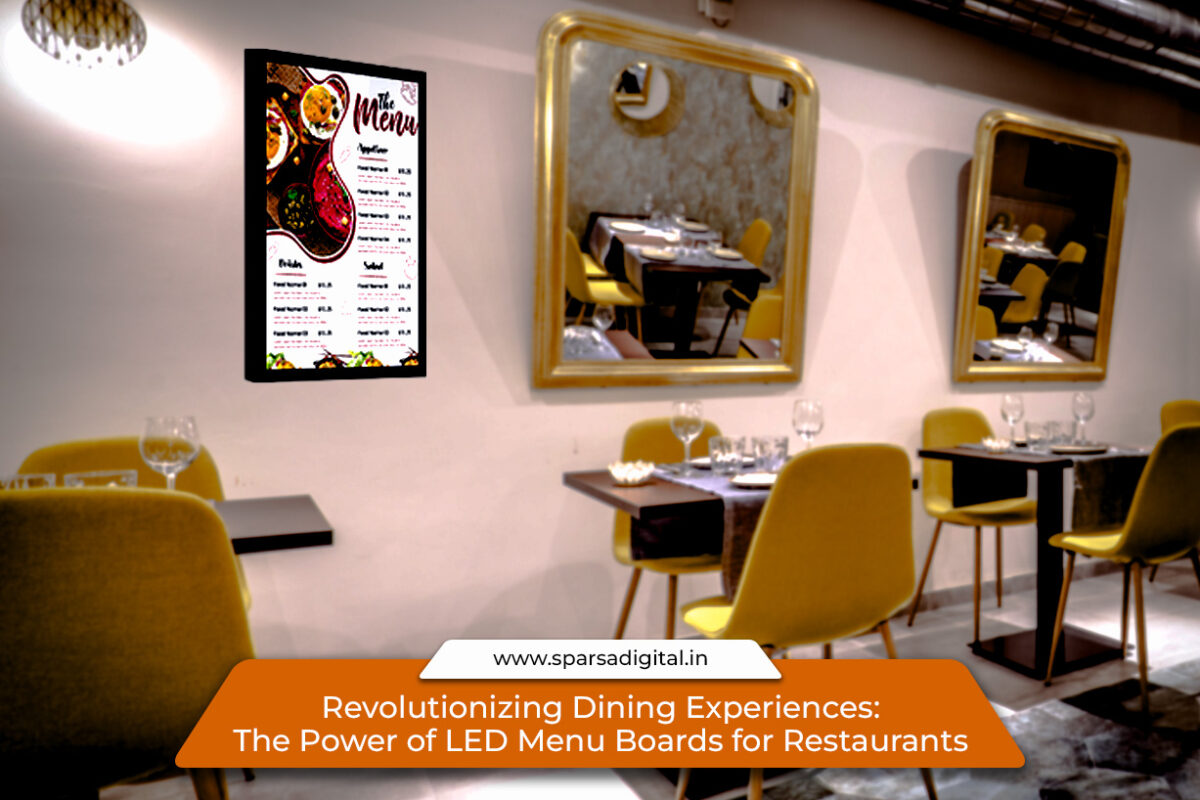
The Power of LED Menu Boards for Restaurants

Revolutionizing Dining Experiences: The Power of LED Menu Boards for Restaurants

In today’s fast-paced restaurant industry, presentation matters just as much as the food. One often overlooked but crucial component of a dining experience is the menu. Traditionally, paper menus or chalkboards were the go-to. But as customer expectations evolve, so does the way eateries present their offerings. Enter the food menu display board, a modern, digital solution changing the way restaurants communicate with patrons.

Among these innovations, LED menu boards for restaurants stand out as a game-changer. From fast food joints to fine dining establishments, digital boards are elevating customer engagement, streamlining operations, and boosting overall sales. This article explores the rise of digital menu solutions and why restaurants across the globe are making the switch.

The Shift Toward Digital Displays

In the digital age, static menus can feel outdated. Customers today are used to dynamic, real-time content, and restaurants are meeting this expectation with food menu display boards powered by LED technology. These digital displays offer vivid imagery, seamless updates, and even video integration, all of which enhance the visual appeal of your menu.

Why is this shift happening? The answer lies in three key benefits:

  1. Visual Engagement: Vibrant screens grab attention instantly.

  2. Real-Time Updates: Prices, items, or availability can be changed in seconds.

  3. Cost Efficiency Over Time: Although the initial investment is higher, long-term printing and labor costs are significantly reduced.

What Makes LED Menu Boards for Restaurants So Effective?

The visual clarity and brightness of LED displays make them ideal for restaurant settings. Whether indoors or outdoors, these boards remain easily readable under various lighting conditions. Here’s what makes LED menu boards for restaurants especially valuable:

1. Improved Readability

LED boards are designed to be easy on the eyes. The crisp contrast and bright display ensure customers can read menus effortlessly, even from a distance.

2. Customizable Content

Restaurant owners can update specials, promotions, or entire menu sections remotely and instantly. No more printing delays or outdated content.

3. Increased Sales

Studies show that digital menu boards can influence buying decisions. High-quality food images paired with promotional cues can upsell items or increase impulse purchases.

4. Eco-Friendly

Going digital reduces paper usage, contributing to a greener operation. It’s a win for both businesses and the planet.

Ideal Placements for a Food Menu Display Board

Placement plays a critical role in maximizing the benefits of a food menu display board. Common spots include:

  • Drive-Thru Lanes: Outdoor LED boards ensure drivers can read menus easily, speeding up service.

  • Entrance Areas: Attract walk-ins by showcasing bestsellers or daily specials.

  • Above the Counter: Helps streamline ordering by letting customers decide before they reach the cashier.

  • Dining Area Walls: Reinforce branding or share nutritional information and promotions.

Types of LED Menu Boards for Restaurants

There isn’t a one-size-fits-all when it comes to digital menus. Restaurants can choose based on space, budget, and aesthetics:

1. Wall-Mounted Boards

Perfect for fast food outlets or cafés, these boards are fixed and easily visible.

2. Freestanding Kiosks

Ideal for quick-service restaurants or high-traffic zones where customers can interact with the display.

3. Outdoor-Grade LED Boards

Built to withstand weather elements, these are essential for drive-thru restaurants or patios.

4. Video Walls

Multiple LED panels working as one large screen, perfect for larger venues or those wanting to create a visual wow factor.

Design Tips for a Compelling Digital Menu

A sleek screen alone doesn’t make a digital menu effective. Smart design principles enhance usability and conversion:

  • Keep it Simple: Limit the number of items shown per screen. Clutter overwhelms.

  • Use High-Quality Images: Invest in professional photography.

  • Maintain Brand Consistency: Fonts, colors, and tone should reflect your restaurant’s identity.

  • Prioritize Bestsellers: Feature high-margin or signature dishes prominently.

  • Time-Based Menus: Schedule breakfast, lunch, and dinner menus to display automatically at the appropriate hours.

Overcoming Challenges with Digital Displays

Despite the advantages, adopting a food menu display board does come with a few considerations:

  • Initial Cost: Good-quality LED boards can be expensive upfront.

  • Technical Know-How: Staff must be trained to manage the system.

  • Power Consumption: LED boards do use electricity, but modern models are energy-efficient.

The long-term savings and operational benefits often outweigh these initial hurdles.

The future of LED menu boards for restaurants goes beyond static images. Here’s what to expect:

  • AI-Powered Recommendations: Digital boards will soon offer personalized dish suggestions based on demographics or time of day.

  • Integration with POS Systems: Automated inventory syncing can adjust the menu in real time.

  • Touchscreen Interfaces: Customers will browse, customize, and even place orders directly via the menu board.

Restaurants that adopt these technologies early are likely to stand out in an increasingly competitive market.

FAQs

Q: Are LED menu boards suitable for all types of restaurants?

Yes, from quick-service outlets to fine dining, LED boards can be tailored to suit any ambiance or brand style.

Q: Can I update content myself or do I need a technician?

Most modern systems come with easy-to-use software that allows restaurant staff to update content in-house.

Q: What’s the typical ROI on digital menu boards?

Most establishments see a return on investment within 12-18 months, thanks to increased sales and reduced printing costs.

Q: How durable are outdoor LED menu boards?

High-quality outdoor boards are weather-resistant and can last for several years with proper maintenance.

Q: Can I integrate promotions and loyalty programs on the board?

Absolutely. Many systems allow integration with customer rewards and promotional scheduling tools.

Final Thoughts

The shift toward LED menu boards for restaurants is more than a trend. It’s a strategic move toward enhancing customer experience and operational efficiency. Whether you run a bustling café or a high-end restaurant, incorporating a food menu display board can modernize your space and improve how guests interact with your brand.

In a world where visuals drive decisions, upgrading your menu presentation is no longer optional; it’s essential. Get in touch with Sparsa Digital today, and schedule an appointment before it’s too late.

The Rise of Digital Menu Boards for Restaurants

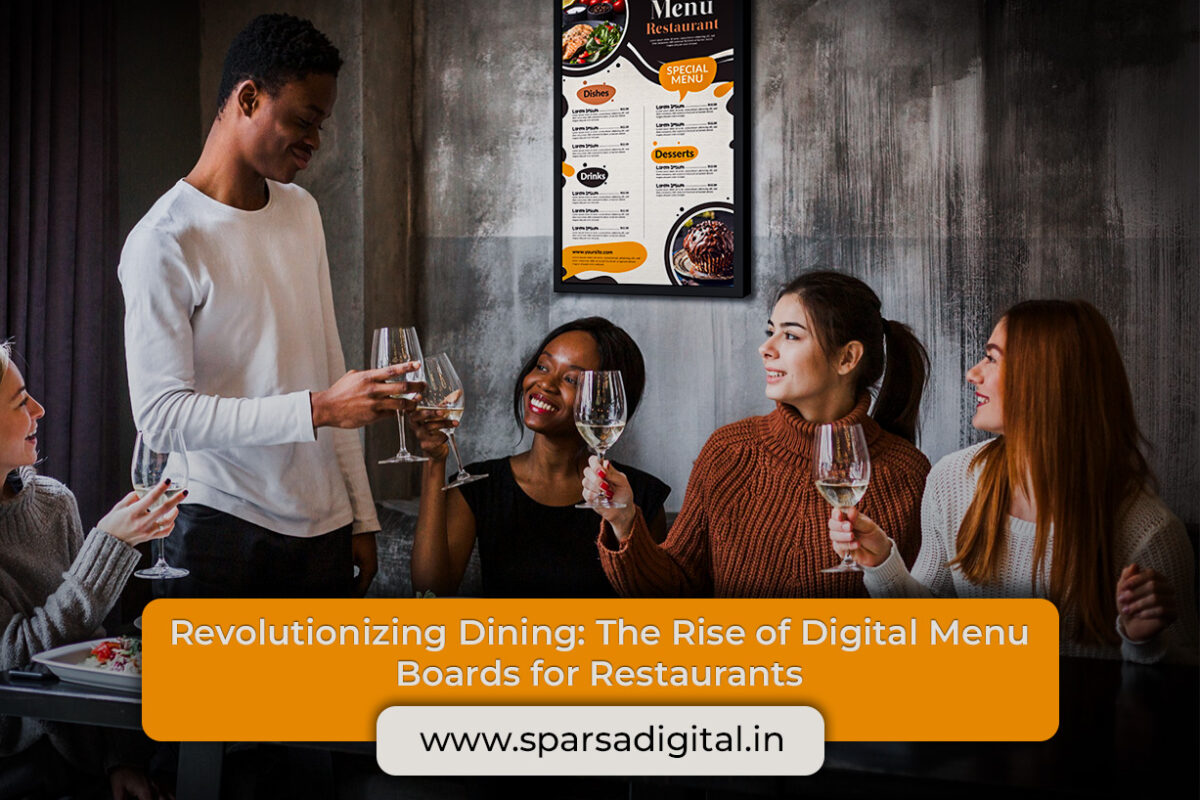
Revolutionizing Dining: The Rise of Digital Menu Boards for Restaurants

In today’s rapidly evolving hospitality landscape, technology plays an integral role in how customers experience dining. Among the most transformative tools are digital menu boards for restaurants. As traditional static signage fades into obsolescence, restaurateurs are embracing digital menu for restaurants not just as a trend, but as a strategic operational shift.

These systems offer a powerful combination of adaptability, aesthetics, and customer engagement that static menus simply cannot match. The shift to digital is not merely a design upgrade; it represents a broader shift in how restaurants communicate with and serve their guests.

The Digital Menu: Beyond the Static Page

A digital menu for restaurants replaces printed or chalkboard menus with a dynamic, screen-based interface. This transformation changes more than just visuals—it enhances functionality, responsiveness, and the customer’s decision-making journey.

Whether displayed on tablets at tables, interactive kiosks, or overhead screens at counters, digital menus provide real-time updates, offer personalized recommendations, and facilitate seamless ordering. For quick-service and fast-casual establishments in particular, digital menus streamline operations by reducing wait times and increasing order accuracy.

Menu Boards for Restaurants: A New Visual Identity

Menu boards for restaurants, especially when digitized, serve as a visual anchor for the brand. They communicate tone, style, and quality, often before a customer even places an order. Vibrant imagery, animated specials, and interactive features draw attention and spark appetite, encouraging upselling through visually compelling presentations.

Traditional menu boards offered limited space and static options. Changing them required time, printing costs, and labor. With digital menu boards, updates can happen instantly across locations, controlled from a centralized interface. This reduces human error and ensures consistency in branding and compliance with regional regulations (e.g., calorie counts or allergen disclosures).

Benefits of Going Digital

The reasons to adopt a digital menu for restaurants are vast. While aesthetics and convenience are major benefits, the advantages run deeper:

1. Real-Time Flexibility

Daily specials? Seasonal changes? Supplier shortages? No problem. Digital menus allow for instant changes to reflect new items, remove unavailable dishes, or adjust pricing—all without reprinting a single sheet. This adaptability supports inventory management and minimizes customer dissatisfaction.

2. Improved Upselling and Promotions

Digital menu boards for restaurants can spotlight high-margin items, suggest combos, or rotate promotional content throughout the day. Breakfast specials in the morning can seamlessly transition to lunch deals, then to happy hour promos, all automatically scheduled.

Strategic placement of items, accompanied by appealing imagery or short videos, can subtly guide customer choices toward more profitable selections.

3. Enhanced Customer Experience

The modern diner expects clarity, speed, and personalization. A well-designed digital menu provides all three. Clear visuals, logical category separation, allergen filters, and multilingual options all contribute to a smoother experience, reducing order anxiety and increasing satisfaction.

Interactive screens even allow for customization, especially in fast-casual or build-your-own concepts. Customers can see the results of their selections in real-time, increasing engagement and order confidence.

4. Data-Driven Decision Making

One of the most underappreciated advantages of digital menu boards is data collection. Which items are selling the most? How do time-of-day or day-of-week trends affect preferences? Which promotions perform best?

With digital systems, these insights are captured automatically. Restaurant owners and managers can make informed decisions about inventory, marketing, staffing, and layout based on real behavior rather than assumptions.

5. Sustainability and Cost Savings

While the initial investment in a digital menu system may seem high, the long-term savings are considerable. Eliminating recurring printing costs, reducing food waste through accurate demand prediction, and minimizing order mistakes all contribute to a more sustainable and cost-efficient operation.

Moreover, digital menus reduce the environmental footprint, aligning with the growing consumer demand for eco-conscious brands.

Challenges and Considerations

Despite the many benefits, adopting a digital menu for restaurants isn’t without challenges. Upfront investment in hardware, software, and employee training can be significant. Technical issues such as screen malfunctions or network disruptions must also be addressed with proper IT support.

Moreover, the design of digital menu boards must strike a balance between information density and readability. Overloading a screen with text or visuals can confuse customers rather than help them.

Key Considerations When Implementing:

  • Hardware Durability: Choose commercial-grade displays that can handle kitchen heat, grease, and long operating hours.

  • Content Management System (CMS): Ensure your CMS is user-friendly and supports remote updates across locations.

  • Design Simplicity: Use clean layouts, easy-to-read fonts, and intuitive navigation. Avoid overcomplicating visuals.

  • Accessibility: Include features like high-contrast text, voice assistance, or screen readers for ADA compliance.

  • Security: Protect your network and data against cyber threats, especially if ordering and payment features are integrated.

Digital Menus in Different Restaurant Models

The benefits of digital menu boards for restaurants vary by format. Here’s how different types of dining establishments use them:

Fast-Food Chains

Speed is critical. Digital menu boards allow for automated dayparting, upselling, and rapid order flow. Integration with POS systems improves accuracy and reporting.

Fast-Casual

Customers expect customization. Interactive kiosks and dynamic menu boards offer clear options and reduce bottlenecks during peak hours.

Casual Dining

Digital menus via tablets or touchscreens at the table offer ordering convenience and reduce server workload. They also entertain diners with promotional content or loyalty program info.

Fine Dining

Though less common, digital wine lists or dessert menus on sleek tablets are being used to elevate presentation and reduce the need for physical contact.

Ghost Kitchens and Food Halls

For locations without physical dining areas, digital menus are displayed on external screens or integrated into third-party apps. Consistency across channels is key.

Future Outlook

As AI and personalization evolve, digital menu for restaurants will go beyond simple display functions. Imagine menus that suggest items based on past orders, current weather, or dietary restrictions. Integration with wearable tech or voice-activated ordering is already being tested.

Menu boards will become smarter and more predictive, able to adjust in real-time based on customer traffic, inventory, or even social media trends.

Voice, touch, and gesture controls could soon replace traditional navigation altogether. Digital menus may also incorporate AR (augmented reality) to visualize portion sizes or ingredients.

Conclusion

The transition from static boards to digital menu boards for restaurants marks a significant evolution in the food service industry. The advantages: ranging from operational efficiency and brand cohesion to improved customer experience and real-time adaptability, make it an essential tool for modern restaurants.

Whether you’re a single-location café or a multi-unit franchise, investing in a digital menu for restaurants is no longer just a competitive edge; it’s becoming a standard. Embracing this technology today positions your restaurant for a more agile, customer-centric, and data-driven tomorrow.

Meeting Room signage

Modernizing Workspaces with Digital Room Signage: The Smart Way to Manage Meeting Spaces

In today’s fast-paced business environment, efficiency and communication are everything. Whether you’re operating out of a startup office, a multinational corporate headquarters, or a co-working space, one daily challenge remains universal: managing meeting rooms. Double bookings, forgotten reservations, and the dreaded “is this room free?” moment can seriously impact productivity.

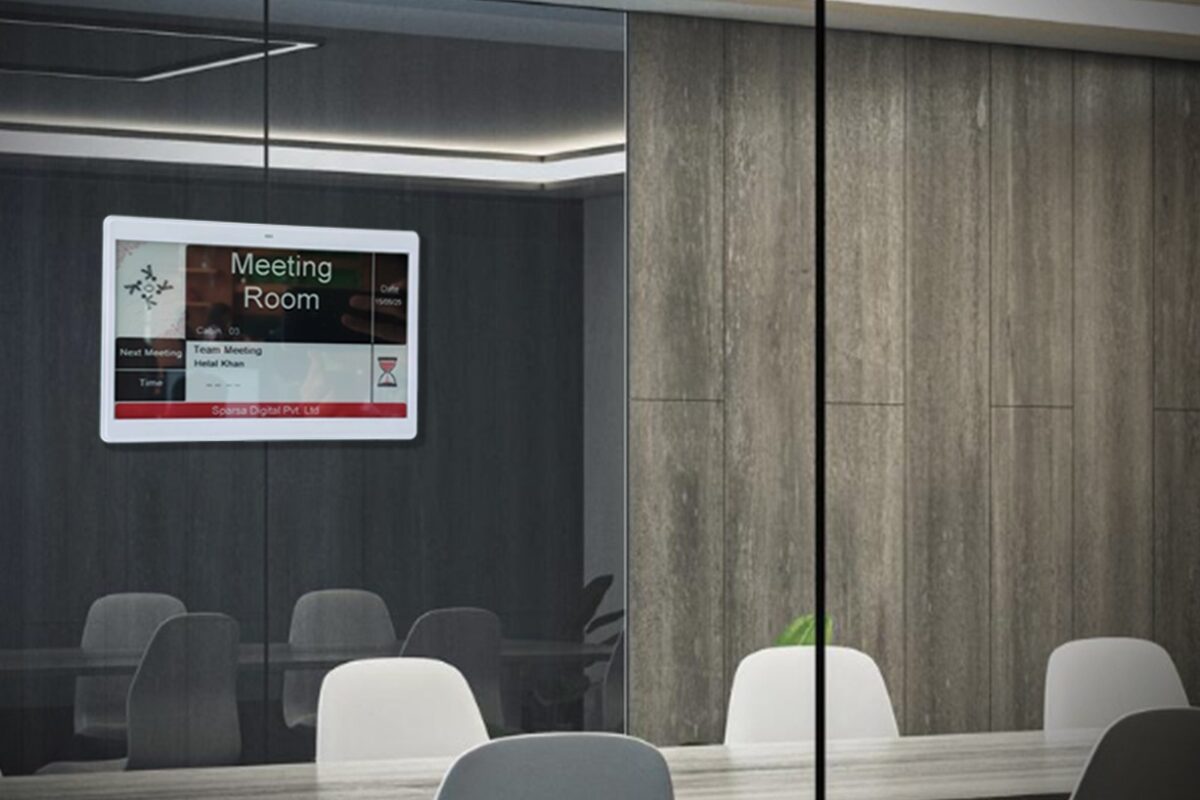
Enter digital room signage, a modern, efficient solution that is transforming how organizations handle shared spaces. Also known as meeting room digital signage or conference room digital signage, this technology offers real-time visibility, scheduling ease, and improved communication across the workplace.

In this article, we’ll explore the growing role of digital room signage, how it works, its key benefits, and how to implement it for maximum impact.

What is Digital Room Signage?

Digital room signage refers to electronic displays, typically mounted outside meeting rooms that show real-time information about the room’s schedule, availability, and current or upcoming bookings.

The screens allowing users to make on-the-spot bookings, cancel meetings, or check the room’s status at a glance. From sleek LCD displays to tablets or e-ink panels, these signs bring a high-tech polish to any office environment.

Why You Need Meeting Room Digital Signage

1. Eliminate Scheduling Conflicts

Imagine walking into a conference room for your client call, only to find a team already in session, both parties claiming to have it booked. With meeting room digital signage, these issues become a thing of the past. Everyone can see who booked the room, for how long, and what’s coming up next.

2. Boost Workplace Transparency

Conference room digital signage creates a culture of transparency. Employees can instantly verify room usage, reducing the guesswork and tension around room reservations.

3. Make Instant Reservations

Planning a quick meeting? Just tap your phone via NFC and reserve a room on the spot.

4. Improve Space Utilization

Real-time analytics can show how often rooms are used, which ones are most popular, and where improvements are needed. Many systems allow integration with occupancy sensors to automatically free up unused rooms.

5. Enhance Aesthetics and Branding

Modern signage adds a polished, high-tech look to office interiors. You can even customize displays with your company logo, colors, or welcome messages for visiting guests.

Key Features of Conference Room Digital Signage

If you’re in the market for conference room digital signage, look for these core features:

  • Color Indicators: Green = available, red = occupied—clear at a glance.

  • Custom Branding: Display your company logo, room name, or digital artwork.

  • Room Amenities Display: Shows features like seating capacity, projector, video conferencing availability.

  • Analytics & Reports: Get data on booking trends and room utilization.

  • Check-in Function: Prevents “ghost bookings” by requiring confirmation.

Use Cases Across Different Environments

Corporate Offices

Streamline operations across multiple floors or buildings. Employees can quickly identify open rooms and reserve them with minimal disruption.

Co-Working Spaces

Co-working environments thrive on flexibility. Digital room signage helps manage shared spaces and improves communication between rotating teams.

Universities and Libraries

Lecture halls, seminar rooms, and study pods can all benefit from digital room signage to prevent overlap and ensure proper space allocation.

Hotels and Conference Centers

Display real-time updates for event spaces, ballrooms, and breakout rooms. Offer guests a seamless, professional experience.

Secure environments benefit from signage that confirms availability without revealing sensitive meeting titles or attendee names.

How to Implement Meeting Room Digital Signage

Step 1: Assess Your Needs

  • How many rooms need signage?
  • Do you want interactive displays or passive indicators?

Step 2: Choose the Right Hardware

Options range from tablets (e.g., iPads or Android devices) to commercial-grade digital signage systems or e-ink panels for low-power environments.

Step 3: Select the Software

Choose software that integrates with your current systems. Popular options include:

  • CMS

Step 4: Installation and Training

Mount the devices outside each room. Provide training to ensure staff know how to book rooms directly from the panel or their calendars.

Step 5: Monitor and Optimize

Review usage data monthly to identify underused rooms, peak times, or no-show rates. Use this data to optimize your space.

Benefits Beyond Scheduling

Energy Efficiency

Visitor Management

Hygiene and Safety

Common Challenges and How to Overcome Them

Wi-Fi or Network Reliability

Make sure your signage system can cache data offline and update as soon as a connection is restored.

Hardware Costs

Tablets and displays can be pricey at scale. Start with your most-used rooms and expand gradually.

Employee Adoption

Offer simple onboarding and reminders. Once employees see the benefits, adoption tends to grow organically.

FAQs About Digital Room Signage

1. Can I customize the display to match our branding?

Absolutely. Most solutions allow for branded colors, logos, and welcome messages.

2. Is internet access required for digital signage to function?

Most systems need a stable connection for real-time updates, but many can retain and display cached data during short outages.

3. How secure is meeting room digital signage?

Very secure. These systems typically follow enterprise-level security protocols, with encrypted communication and limited access roles.

5. Can it show occupancy data?

Yes, if integrated with occupancy sensors, the signage can reflect actual room usage, even freeing up rooms if no one checks in.

6. What hardware is commonly used?

Options include commercial-grade tablets, wall-mounted displays, or dedicated e-ink screens for long battery life and minimalist design.

7. Can I use it for hybrid meetings?

Yes. Some systems integrate with video conferencing tools (like Zoom or Teams) to indicate both physical and virtual meeting details.

Conclusion

In the modern workplace, efficient space management isn’t just a convenience, it’s a necessity. With digital room signage, organizations can streamline meeting room bookings, improve communication, reduce scheduling conflicts, and present a professional, tech-forward image to both employees and visitors.

Whether you’re outfitting a corporate headquarters, a university, or a shared office, meeting room digital signage is a smart, scalable solution that pays dividends in productivity and user satisfaction. From high-touch touchscreen panels to minimalistic e-ink displays, the future of room management is digital, and it starts at the door.

The Future of Content Control_ Cloud-Based Digital Signage Software and CMS Solutions

The Future of Content Control: Cloud-Based Digital Signage Software and CMS Solutions

In the digital age, communication has shifted from paper to pixels. Nowhere is this transformation more evident than in how businesses interact with their audiences through signage. From airports and hospitals to retail stores, restaurants, corporate offices, and educational institutions- cloud based digital signage software has become the silent, vibrant force revolutionizing content delivery.

At the heart of this shift lies an essential engine: the Content Management System (CMS). When paired with cloud infrastructure, the CMS becomes far more than a scheduling or publishing tool. It becomes a central nervous system for real-time, location-agnostic content control.

Let’s dive into what cloud-based digital signage is, how it integrates with CMS technology, and why businesses of all sizes are making the shift to cloud-first visual communication platforms.

What Is Cloud-Based Digital Signage Software?

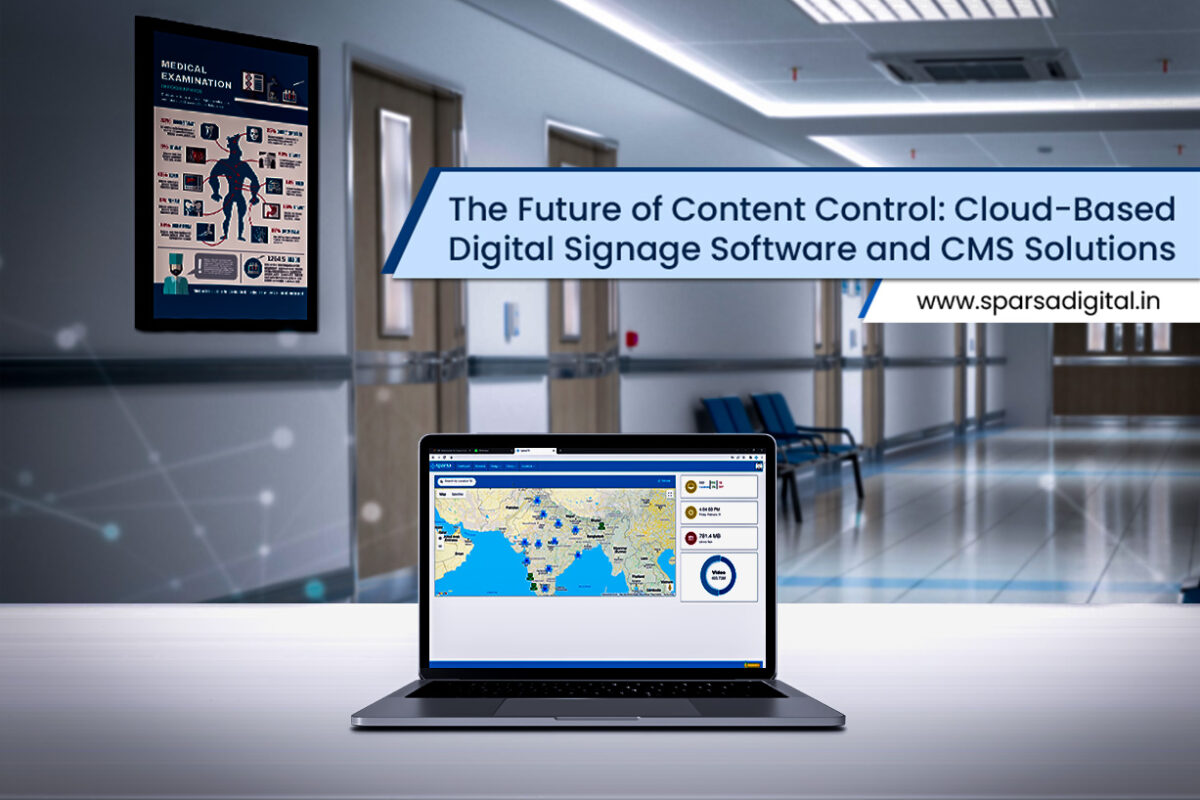
Cloud based digital signage software is a web-hosted platform that allows users to manage and distribute content across a network of digital displays from a remote location. Unlike traditional on-premise solutions—which require physical servers, IT maintenance, and on-site updates- cloud signage leverages internet connectivity and distributed data centers to deliver scalability, real-time control, and high availability.

This cloud-driven model eliminates the need for businesses to invest heavily in infrastructure. Instead, they subscribe to a software-as-a-service (SaaS) model that provides flexibility, ease of use, and centralized oversight, especially valuable for organizations with multiple sites or geographically dispersed locations.

The CMS: Command Central for Digital Displays

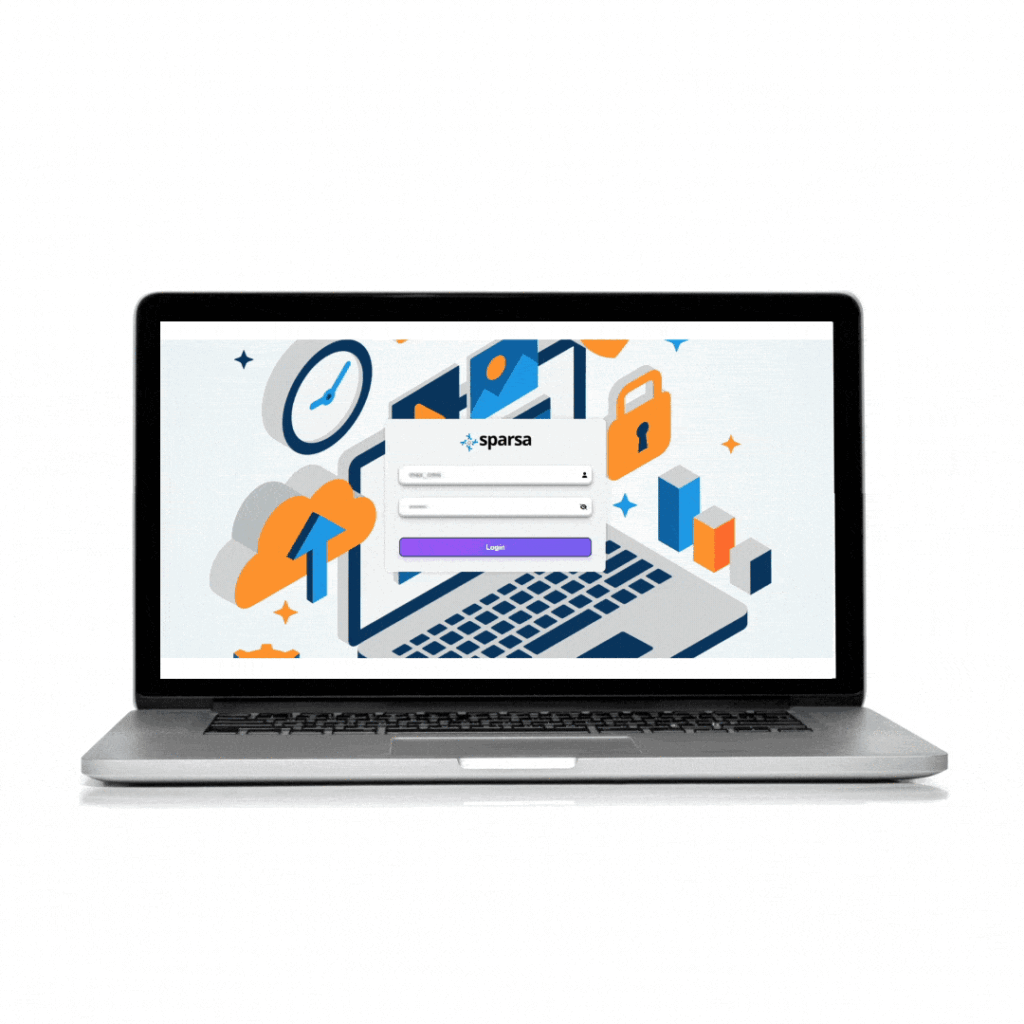
A CMS, or Content Management System, is the brain behind any digital signage deployment. It’s the software interface that allows users to:

  • Upload images, videos, or HTML content

  • Schedule playlists and campaigns

  • Assign content to specific screens or screen groups

  • Monitor playback and screen status in real-time

  • Collect performance data or customer interaction metrics (if interactive)

In a cloud based digital signage software solution, the CMS is also cloud-hosted. This means users can log in via a browser from any device no software installation required, and control signage across cities, countries, or continents from one unified dashboard.

Key Benefits of Cloud-Based Digital Signage with CMS Integration

The convergence of cloud technology and CMS software has redefined what’s possible in visual communication. Below are the top advantages for businesses using this integrated approach:

1. Remote Accessibility and Control

Administrators can make instant content changes from anywhere. Whether you’re on-site, working from home, or managing a national rollout from HQ, the cloud-based CMS enables real-time screen updates without physical intervention.

2. Scalability Without Infrastructure Overload

Need to add 50 new displays across 10 new locations? No problem. With cloud-based systems, you don’t need additional servers or IT staff at each site. New endpoints are simply added to the network, and the CMS pushes content based on their assigned groups or tags.

3. Real-Time Content Synchronization

Run a flash sale in retail? Publish safety alerts in a hospital? Share emergency announcements across a campus? The ability to instantly update content across displays ensures fast, unified communication.

4. Centralized Content Governance

With a cloud-first CMS, businesses can set user permissions, audit logs, and approval workflows. Corporate headquarters can control brand consistency while allowing local branches to adjust messaging for regional relevance.

5. Data Analytics and Campaign Insights

Advanced CMS features often include integration with audience analytics tools, footfall counters, POS data, and more. Businesses can see what content performs best and adjust campaigns for maximum impact.

6. Reduced IT Overhead

No need for in-house servers, constant manual updates, or complex security protocols. Cloud providers handle backups, encryption, and system uptime, freeing your team to focus on strategy instead of infrastructure.

Ideal Use Cases for Cloud-Based Digital Signage CMS

Retail and QSR Chains

Manage promotional campaigns, menu boards, loyalty programs, and product spotlights across multiple store locations with centralized oversight and local customization.

Corporate Communications

Display KPIs, employee updates, wellness programs, and training content across offices or manufacturing floors in real-time, ensuring alignment and culture-building.

Healthcare Facilities

Improve patient engagement and reduce perceived wait times by displaying educational content, appointment queues, and emergency messages, all easily managed through a CMS.

Education and Campuses

Inform students and staff about upcoming events, room schedules, safety protocols, or academic achievements via signage throughout campuses.

Transportation Hubs

Keep passengers informed with real-time travel updates, emergency alerts, and advertising across terminals, gates, or platforms.

Key Features to Look for in Cloud-Based Digital Signage Software

If you’re evaluating options, prioritize systems that include:

  • Drag-and-drop CMS interface

  • Multizone screen layout customization

  • Multi-user role management

  • Automated content scheduling

  • Live data feed integrations (e.g., weather, RSS, finance, traffic)

  • Touchscreen or interactive display support

  • Offline caching capabilities

  • API access for third-party integrations

Additionally, look for a vendor offering robust uptime guarantees, multi-language support, and comprehensive onboarding or training.

Security in the Cloud: A Top Concern Addressed

While the benefits are clear, many businesses raise valid questions about data security in cloud-based systems. Reputable providers mitigate these concerns by offering:

  • End-to-end encryption

  • Role-based access controls

  • Two-factor authentication (2FA)

  • Redundant servers and data backups

  • Compliance with industry standards like GDPR, SOC 2, and ISO 27001

It’s crucial to vet your provider’s security posture during the evaluation phase to ensure alignment with your IT governance framework.

CMS Customization and Branding Control

Every business has unique messaging needs. A powerful CMS enables:

  • Brand-compliant templates

  • Multi-tenant setups for franchises or partners

  • Scheduled content for dayparting or seasonal rotations

  • Trigger-based automation (based on inventory, time, or weather conditions)

Some CMS platforms even use AI to optimize playlist rotations based on viewer engagement or historical effectiveness.

Future-Proofing with Integrations and AI

As digital signage evolves, cloud-based platforms are beginning to incorporate AI, IoT, and big data. Future-facing CMS tools will enable predictive content scheduling, emotion-based responses, and contextual messaging based on real-world inputs.

For example, a CMS integrated with weather APIs might automatically shift restaurant menu boards to promote cold drinks on hot days. Similarly, retail signage might highlight umbrellas when sensors detect rainfall.

Cloud-native platforms are uniquely suited to evolve with these trends due to their API-driven architectures and update flexibility.

Frequently Asked Questions (FAQs)

Q1: What is the difference between cloud-based and on-premise digital signage?

A: Cloud-based systems use remote servers to host software and content, allowing access from anywhere. On-premise solutions require local hardware and IT maintenance. Cloud systems offer greater flexibility, easier scaling, and lower upfront infrastructure costs.

Q2: How does a CMS work in digital signage?

A: A CMS lets users manage, schedule, and publish content to digital displays. It provides an interface to control what’s shown, when, and where, often with user roles, approval workflows, and real-time monitoring.

Q3: Is cloud-based signage secure?

A: Yes. It provides you choose a provider with strong encryption, authentication, and compliance standards. Top vendors secure data through SSL, 2FA, firewalls, and regular audits.

Q4: Can cloud signage work offline if the internet goes down?

A: Most reputable systems include offline playback. Content is cached locally on the media player, ensuring screens continue to operate with the last synced content even if connectivity is temporarily lost.

Q5: What industries benefit most from cloud-based digital signage?

A: Industries like retail, healthcare, transportation, education, and corporate communications all benefit. Any organization needing centralized control of distributed content will find value in a cloud CMS model.

Q6: How much does cloud-based signage software cost?

A: Pricing varies by vendor and feature set. Most platforms offer monthly or annual SaaS pricing, often ranging from $10 to $50 per screen per month. Volume discounts and custom enterprise plans are also common.

Q7: Can I customize content for different locations or screens?

A: Absolutely. Advanced CMS platforms allow you to segment screens into groups, assign regional content, or dynamically personalize messages based on local data or demographics.

Final Thoughts

The convergence of cloud computing and CMS design has ushered in a new era for digital signage. What once required physical media, clunky updates, and siloed operations can now be managed with the ease of a few clicks, regardless of geography.

Cloud based digital signage software, when paired with a robust CMS, enables businesses to be agile, data-driven, and visually impactful. Whether you’re a startup coffee chain or a global retail giant, the path forward is clear: smart, scalable, and centralized content delivery is no longer a luxury. It’s the standard.

How Digital Price Tags are Transforming Electronic Stores

Revolutionizing Retail: How Digital Price Tags are Transforming Electronic Stores

In an era where technology drives almost every aspect of our lives, it’s no surprise that retail spaces, especially electronic stores are embracing innovative tools to enhance customer experiences. Among the most impactful upgrades in recent years is the adoption of digital price tags.

From streamlining operations to improving customer satisfaction, digital price tags are no longer a novelty, they’re fast becoming a retail necessity. In this blog, we’ll explore how digital price tags are revolutionizing the electronic retail sector, particularly for high-demand items like cameras, smartphones, laptops, smartwatches, and more.

What Are Digital Price Tags?

Digital price tags, also known as Electronic Shelf Labels (ESLs), are small electronic display devices, usually LCD or e-ink screens, placed on store shelves to show product prices, specs, promotions, or barcodes. Unlike traditional paper tags, these digital displays can be updated wirelessly and in real-time via a central management system.

Why Digital Price Tags Matter in Electronic Stores

Electronic items often have fluctuating prices due to technological advancements, promotions, or market competition. Updating paper price tags frequently in stores is time-consuming, error-prone, and labor-intensive. That’s where digital price tags come into play.

1. Real-Time Price Updates

Imagine you’re running a large electronics store. Prices of smartphones and laptops can change based on brand directives, online competition, or inventory levels. Digital price tags allow for instant updates across all shelves with just a few clicks ensuring price consistency across channels.

For example, if Samsung launches a temporary discount on the Galaxy S24, the price tag across hundreds of store locations can be updated simultaneously saving time and preventing pricing errors.

2. Detailed Product Information

With limited space on paper tags, it’s hard to list all product features. But with digital price tags, you can display dynamic content such as:

  • Phone storage capacity (e.g., 256GB vs. 512GB)

  • Camera megapixels

  • Battery life

  • Brand comparison tables

  • Warranty information

These rich details enhance the customer experience, especially in complex product categories like DSLRs or gaming laptops.

3. Reduced Operational Costs

Though the initial investment in digital price tags is higher, they drastically cut down operational costs over time. No need to print, laminate, or manually replace tags for every price change. Staff can focus more on customer service rather than price maintenance.

4. Seamless Omnichannel Integration

Customers today compare prices online while standing inside the store. Digital price tags can sync with your online pricing engine to ensure uniformity between in-store and online pricing preventing customer mistrust and increasing conversion rates.

Use Cases: How Digital Price Tags Elevate Shopping Experience

Smartphone Section

In an aisle full of iPhones, Galaxy models, and budget-friendly options, customers often need help comparing features. Digital tags can display specs side-by-side or include QR codes for deeper dives into tech reviews or demo videos.

Camera Display Counters

High-end DSLR and mirrorless cameras often come with a lot of jargon: ISO range, lens compatibility, autofocus systems. Digital tags can display specs side-by-side or include QR codes for deeper dives into tech reviews or demo videos.

Laptop Racks

Laptops are feature-heavy products. A digital price tag can show CPU type, RAM, SSD size, battery life, and pre-installed software. It helps shoppers make informed decisions without waiting for a store associate.

Gaming Consoles and Accessories

With frequent bundle deals, digital tags make it easy to highlight limited-time offers, saving both time and confusion. Gamers want fast facts and these tags deliver.

Benefits for Retailers

  • Dynamic Promotions: Run flash sales or end-of-day markdowns with ease.

  • Inventory Alerts: Some systems integrate with inventory software to alert staff when stock is low.

  • Data Insights: Track customer engagement with interactive tags to see which products get the most views or scans.

  • Eco-Friendly: Reduces paper waste, aligning with green retail practices.

Benefits for Shoppers

  • Price Transparency: Know exactly what you’re paying for no surprises at checkout.

  • Instant Info Access: No need to Google specs or ask associates, details are right there.

  • More Confidence in Buying: Clear and current product data leads to smarter purchases.

Challenges and Considerations

While digital price tags offer many benefits, they do come with a few challenges:

  • Initial Investment: Costs can be significant for large-scale implementation.

  • Training Required: Staff need to be trained on the system.

  • Power Source: While most ESLs use low-power e-ink and last years on batteries, power management is still crucial.

However, with long-term savings and improved customer satisfaction, the ROI is generally worth it, especially for high-margin electronics.

The Future of Digital Price Tags in Electronics Retail

Looking ahead, we expect even smarter ESL systems. Future features may include:

  • Touchscreen capabilities for customer interaction.

  • AI-powered recommendations displayed right on the tag.

  • AR integrations where scanning the tag shows a virtual unboxing or review video.

As the demand for convenience and efficiency rises, so will the importance of digital price tags, especially in electronics retail, where information and speed are everything.

FAQs About Digital Price Tags in Electronic Stores

1. Are digital price tags suitable for small electronic shops?

Yes. While larger chains see the most benefit, even smaller stores can benefit from increased efficiency and professional presentation.

2. Do digital price tags require Wi-Fi?

Most systems use secure radio frequencies or low-energy Bluetooth. Some integrate with Wi-Fi, but dedicated networks are often used for stability and security.

3. Can customers interact with digital price tags?

Basic digital tags are passive, but interactive models are emerging that allow QR scanning.

4. What’s the lifespan of a digital price tag?

Most e-ink based tags can last 5–7 years on a single battery, depending on how frequently updates occur.

5. Are they waterproof or durable for electronics in open displays?

Yes. Many digital tags are built with shock- and water-resistant casings, ideal for busy retail environments.

6. How are promotions or bundles handled?

Promotions can be set up and scheduled in the central system. Bundled offers can be dynamically displayed alongside base prices.

Conclusion

Digital price tags are reshaping the electronics retail landscape. From smartphones to DSLRs, these smart tags offer a win-win for both retailers and customers: operational efficiency, accuracy, eco-friendliness, and a richer shopping experience.

If you manage or own an electronics store, now is the time to consider investing in this future-ready technology. It’s more than a display, it’s a direct link between your shelf and your digital pricing strategy.