

Press the icon. The shelf starts talking.
Press & Learn:
Push-Button & Touch Signage
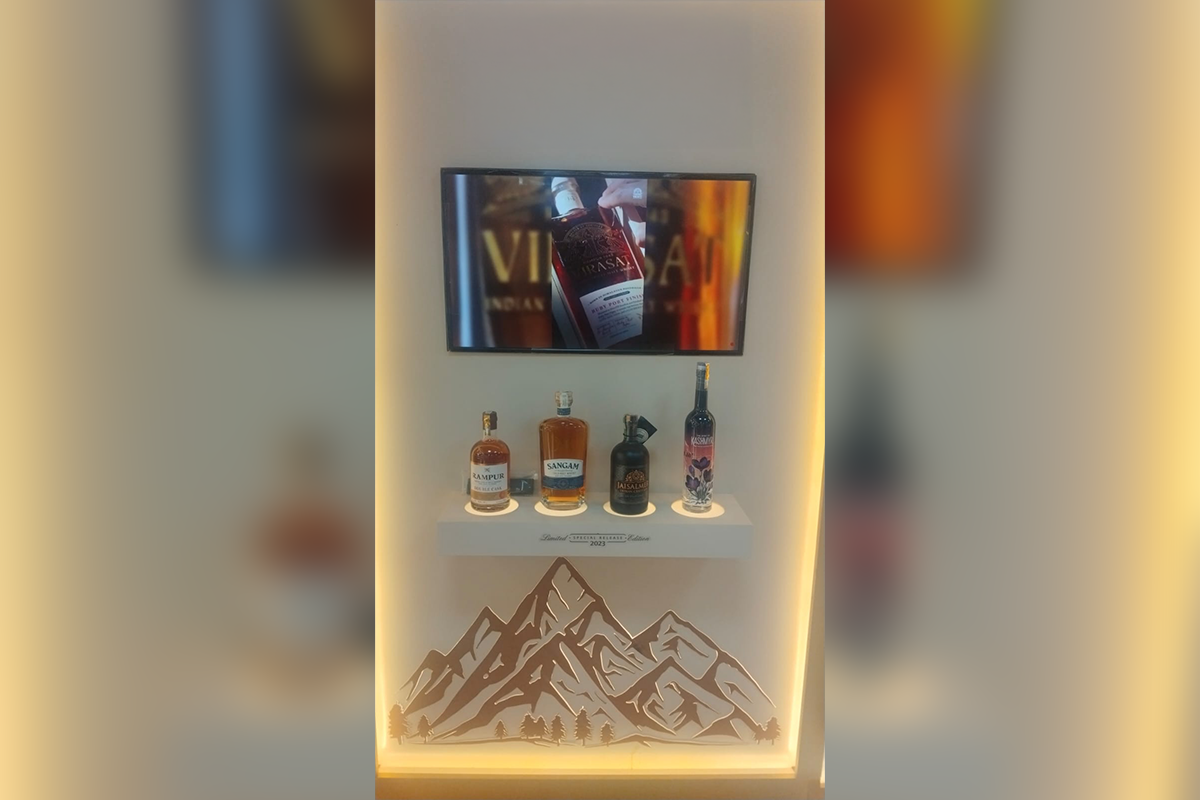
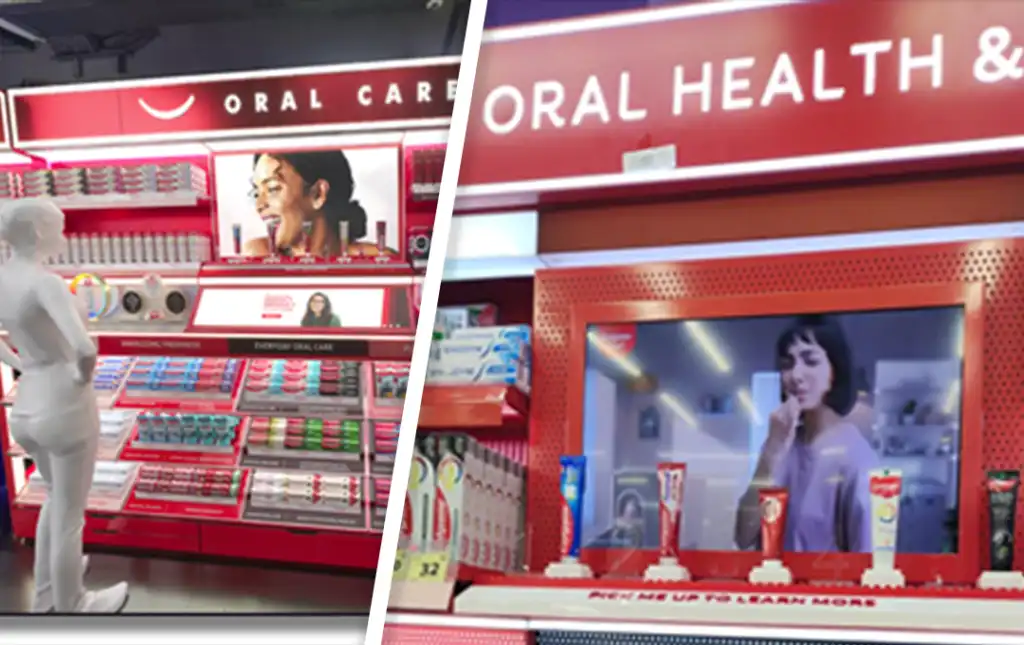
Press & Learn is interactive signage for retail shelves. A panel mounts on the shelf next to your products, with a push-button display, printed touch icons or any trigger that suits your brand. The shopper presses, and the screen in the middle plays that product's film, features and price.
Digital signage since 2013 · 300+ cities · 50,000+ screens
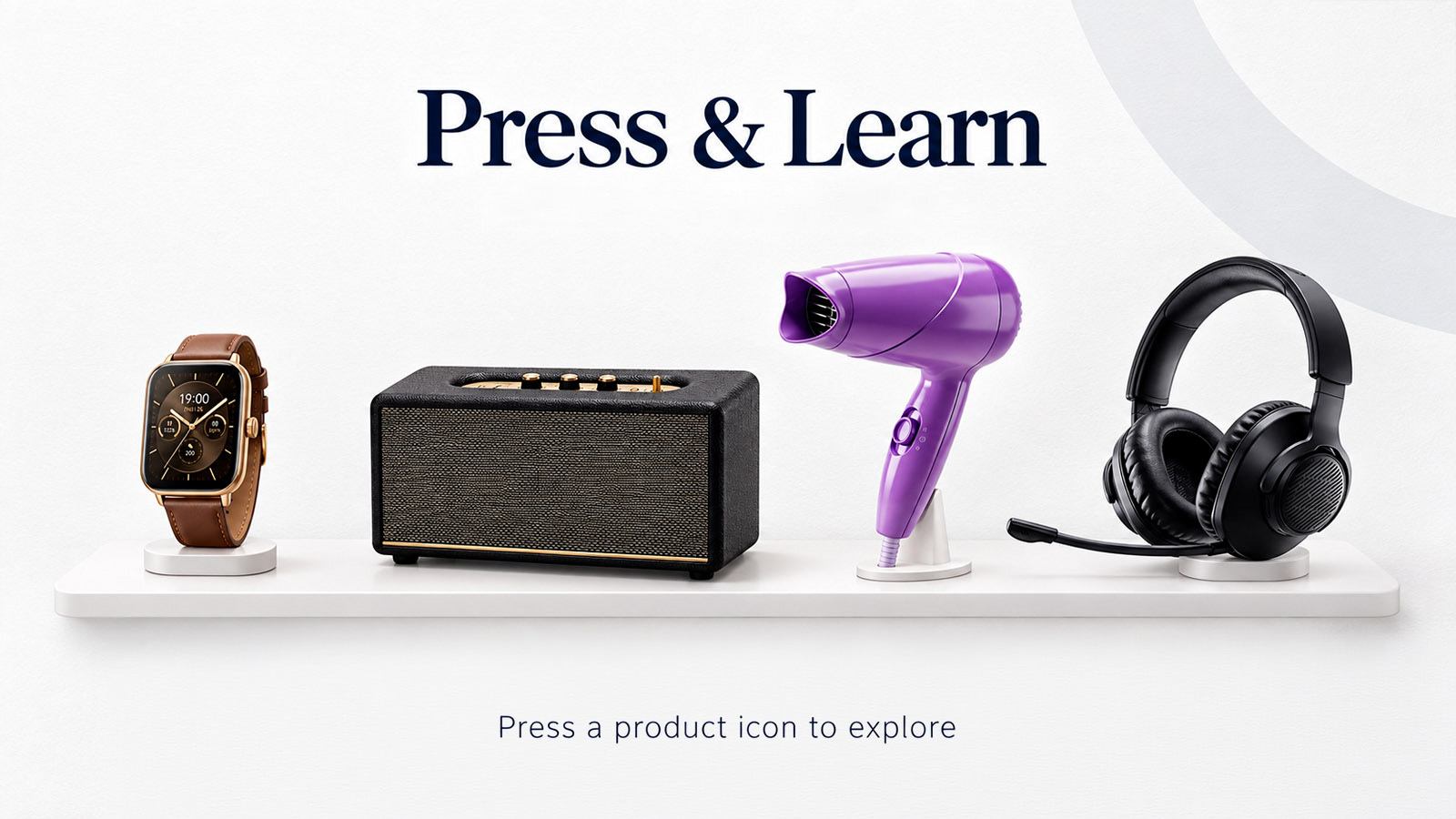
Press an icon to play
How it works
How our interactive signage works
The panel mounts on the shelf, not on the stock, so the display keeps working however the shelf is rotated or restocked.
The panel is designed
We design the panel around your range, with one input for every product, and finish it in your brand’s colours and fixture style.
Buttons or touch, to suit your shelf
A push-button display, an interactive touch display with printed icons, or a mix of both. We pick the input that fits your products, your footfall and how shoppers use the shelf.
Press and the screen answers
The controller maps each input to its own playlist. The film runs on the centre screen, then the display returns to your attract loop on its own.
Every press is logged
Each press is a question. The dashboard shows which products generated them, at what time of day, and which films people watched to the end.
Why brands install it
Why brands choose a push-button display for the shelf
One interactive panel explains your whole range.
One screen covers the whole bay
Every product in the bay shares a single display. That costs a fraction of a screen per product and takes a fraction of the fixture space.
Nothing is fitted to the stock
No tags, no pads, no sensors on the product. Rotate the range, restock the shelf or change the planogram, and the panel keeps working.
The shopper stays in control
They choose what to watch instead of waiting for a loop to reach the product they care about. One press, straight to the answer.
Built for the shop floor
Every button and touch surface is chosen and sealed for heavy footfall. Nothing pokes out for a shopper or a cleaning trolley to knock off.
It looks like your fixture
The panel is shaped and finished to your fixture and brand, so it reads as part of the display rather than a screen bolted onto it.
Big products get a 3D model
When a product is too large to keep on the floor, we model it, and the film carries the full range: every size and finish, with only a sample on the shelf.
Where it works
Where interactive signage works best
Any bay with more products than staff.
Consumer electronics
Headphones, speakers, wearables and small appliances. Four boxed products on a shelf, one panel explaining all of them.
Personal care & beauty
Grooming, hair care and skincare ranges, where the difference between two SKUs is a claim nobody can read off the pack.
Large appliances
Geysers, chimneys and air conditioners. A sample or cut section on the floor, the full capacity range on film.
Building materials
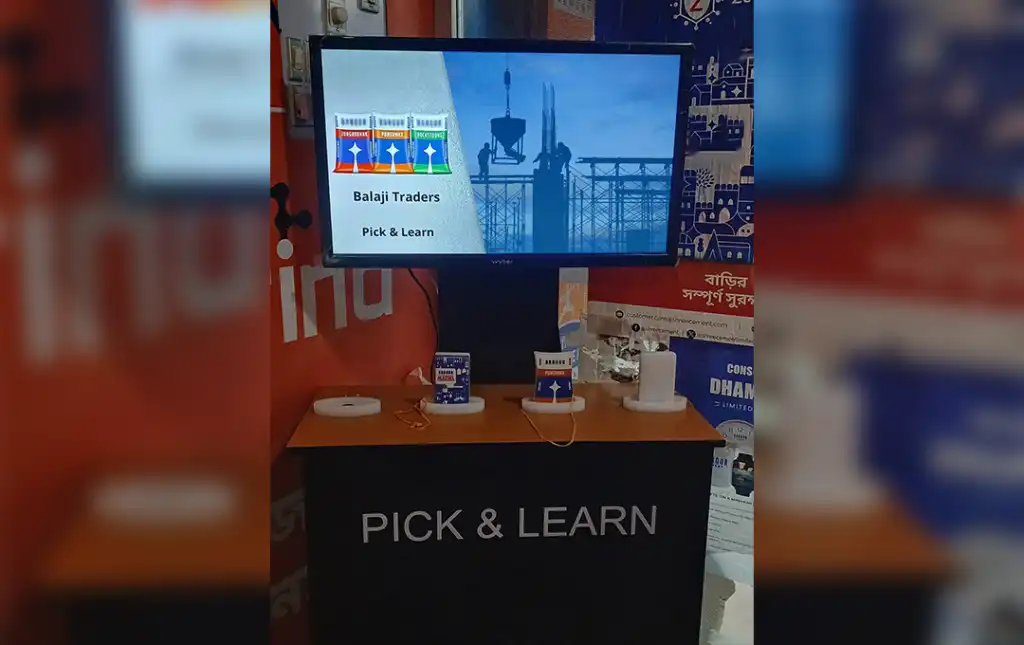
Cement, putty, adhesives and plumbing. The bag stays on the rack; the panel carries the application film and coverage numbers.
Tile, paint & sanitaryware
A real swatch on the rack and a button that plays that finish laid across a whole room.
Exhibitions & showrooms
Built into an interactive standee, the panel gives you a stand that answers for itself while your team is mid-conversation with someone else.
What you get
One vendor from panel design to the fifth year of service
Most in-store tech dies quietly because the fixture, the hardware, the content and the support come from four different companies. All of these are ours.
Panel design & manufacture
We design the face around your range, draw the icons, and cut and print the panel in your fixture’s shape and finish. We build over 2,000 custom display units a year.
Hardware
Push buttons, capacitive touch points, controllers, commercial-grade displays and media players. We source, test and warranty the whole chain, panel included. Need a full-screen option instead? See our interactive touch screen kiosk.
Software, CMS & content
Map each button or icon to its playlist and update every panel remotely through our CMS. Our in-house team produces the films; a 30-second product film for a shopper at a shelf is a different craft from an ad film.
Installation & support
Site survey, installation and ongoing service through our own engineers, not a subcontractor you have never met.
Our support promise
What happens after go-live


Before you ask us
What is a push-button display?
A push-button display is a screen paired with physical buttons, one for each product or topic. When a shopper presses a button, the screen plays content about that item, such as a product film, features or price, then returns to its default loop.
Push buttons or an interactive touch display: which is better?
Push buttons suit busy aisles and shoppers who want a clear, physical press. An interactive touch display with printed icons looks cleaner and fits premium fixtures. Many bays use a mix, and we recommend one during the site survey.
Do we have to replace our existing shelves?
Usually not. The panel fits most standard gondolas, counters and display units. If your fixture genuinely can’t take it, we design and manufacture a replacement; we build over 2,000 custom display units a year.
Does it need internet in every store?
No. The trigger logic runs locally, so the display keeps working through an outage. You need connectivity only for remote content updates and for sending press data to the dashboard, and that syncs whenever the link is available.
How many products can one panel handle?
One panel usually carries a button or icon for every product in the bay, and all of them share the one centre screen. We size the panel during the site survey against your planogram.
Can our own team update the content?
Yes. The CMS is built for marketing teams, not engineers: upload, schedule, assign to stores. If you’d rather not run it in-house, our content team manages it for you as a service.
How is Press & Learn different from Lift & Learn?
They are the same family of Engage & Learn interactive signage. Press & Learn plays content when a shopper presses a button or icon; Lift & Learn plays it when they pick up the product. Many projects use both on the same fixture.
What does a pilot cost?
It depends on the input type, screen size, number of products and whether we build the fixture. Send us your store count and a photo of the fixture, and we’ll come back with a scoped number rather than a range.