

Table of contents
- What Is a Digital Standee?
- Why Understanding Digital Standee Specifications Is Important
- Key Digital Standee Specifications to Check Before Buying
- 1. Screen Size
- 2. Display Resolution
- 3. Brightness Level
- 4. Display Panel Type
- 5. Touch vs Non-Touch Display
- 6. Operating System
- 7. Media Playback Support
- 8. Connectivity Options
- 9. Content Management System (CMS)
- 10. Build Quality and Design
- 11. Viewing Angle
- 12. Energy Efficiency
- How to Choose Digital Standee Specifications for Your Business
- Common Mistakes Businesses Make When Buying Digital Standees
- Future Trends in Digital Standee Technology
- Conclusion
- FAQs
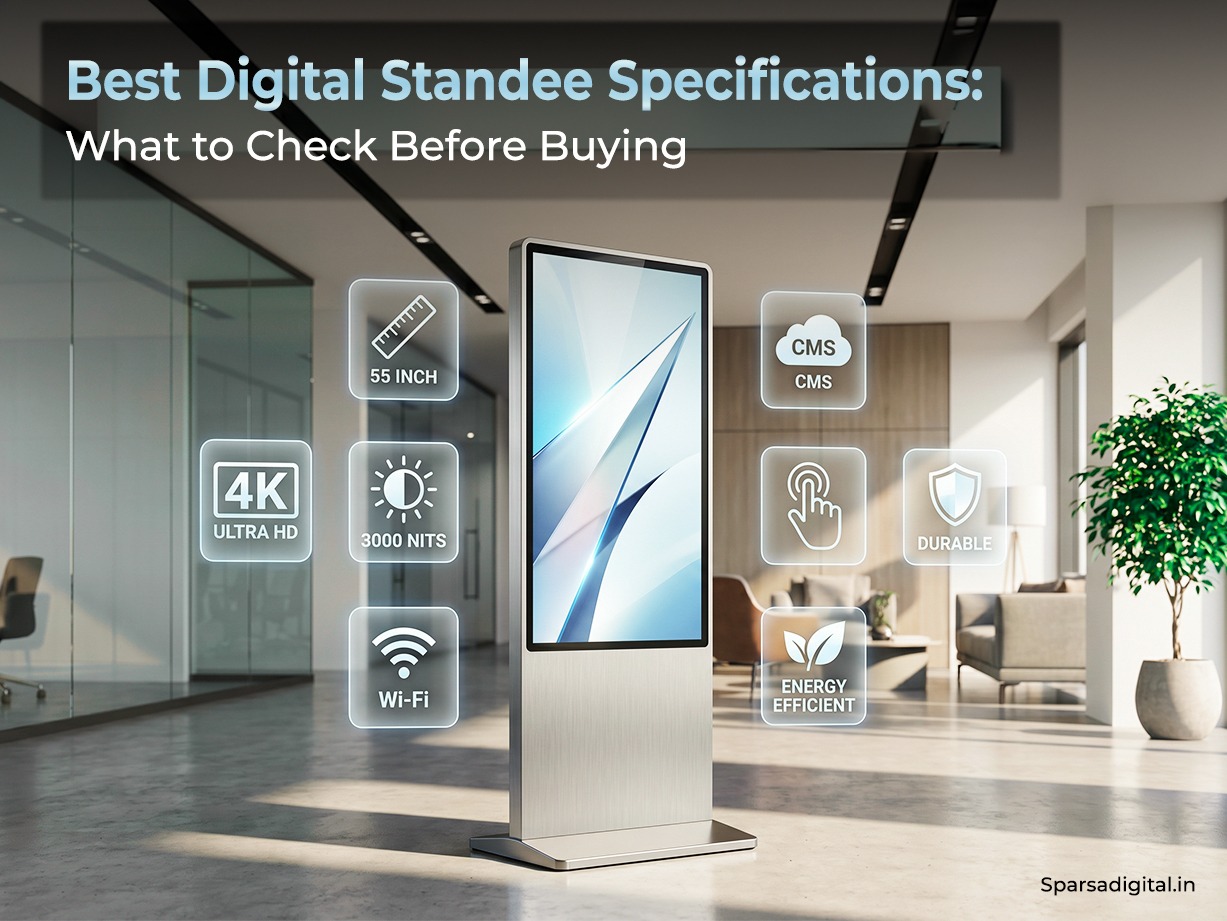
Digital signage is becoming a powerful marketing tool for modern businesses. From retail stores and shopping malls to corporate offices and hospitals, digital displays are replacing traditional posters and banners. One of the most popular digital advertising tools today is the digital standee.
However, many businesses make the mistake of purchasing a display without properly evaluating its technical specifications. Understanding digital standee specifications is essential to ensure you invest in the right display for your business.
Whether you are planning to install a digital standee in a retail store, restaurant, or corporate lobby, choosing the correct specifications will determine the display quality, durability, and long-term performance of the device.
What Is a Digital Standee?
A digital standee is a freestanding digital display screen designed to showcase promotional content, advertisements, and information in commercial environments. Unlike traditional printed standees, digital standees display dynamic content such as videos, images, animations, and slideshows.
Businesses use digital standees for:
- Product promotions
- Brand campaigns
- Store navigation
- Event promotions
- Customer information displays
Because of their versatility, digital standees are widely used as indoor advertising display solutions in modern marketing strategies.
Understanding digital signage display specs ensures you choose a display that delivers the best visual experience for your audience.
Why Understanding Digital Standee Specifications Is Important
When businesses purchase digital signage without understanding the specifications, they often face problems such as:
- Poor display visibility
- Low brightness in well-lit areas
- Slow performance
- Compatibility issues
- Limited content options
Knowing the technical features of digital standee helps businesses make smarter buying decisions.
The right specifications ensure:
- High-quality visuals
- Better durability
- Smooth content playback
- Long-term reliability
This is why understanding how to choose digital standee specifications is crucial before investing in a digital display.
Key Digital Standee Specifications to Check Before Buying
There are several important factors that determine the performance of a digital standee. Let’s explore the most important digital standee specifications businesses should evaluate.
1. Screen Size
Screen size is one of the first factors to consider when purchasing a digital standee.
Common digital standee sizes include:
- 32 inch
- 43 inch
- 49 inch
- 50 inch
- 55 inch
- 65 inch
The ideal screen size depends on the location and viewing distance.
For example:
- Small retail stores can use 32-43 inch displays
- Shopping malls and large showrooms often use 49-55 inch displays
- Large commercial spaces may use 65 inch or larger screens
Choosing the right screen size improves visibility and ensures better customer engagement.
2. Display Resolution
Resolution determines how sharp and clear the content appears on the screen.
Common digital signage resolutions include:
- HD (1280 × 720)
- Full HD (1920 × 1080)
- 4K Ultra HD (3840 × 2160)
For most commercial applications, Full HD resolution is considered the standard.
Businesses that display high-quality videos or detailed graphics may prefer 4K displays.
If you are wondering about the best resolution for digital signage display, Full HD offers an excellent balance between quality and cost.
Higher resolution displays provide:
- Sharper images
- Clearer text
- Better video playback
Resolution is one of the most critical digital standee features for effective advertising.
3. Brightness Level
Brightness determines how visible the display is in different lighting conditions.
Brightness is measured in nits (cd/m²).
Typical brightness levels include:
- 250-350 nits for basic indoor displays
- 350-500 nits for commercial indoor displays
- 700+ nits for high-brightness displays
For most indoor environments, the ideal digital standee brightness for indoor use is between 350 and 500 nits.
Higher brightness ensures better visibility in areas with strong ambient lighting such as malls or storefronts.
Brightness is an important part of digital standee resolution and brightness considerations.
4. Display Panel Type
The type of display panel significantly impacts image quality and viewing angles.
Common panel types include:
IPS Panel
IPS panels provide:
- Better color accuracy
- Wider viewing angles
- Consistent brightness
Most high-quality digital standees use IPS panels.
VA Panel
VA panels offer:
- Higher contrast ratios
- Deeper blacks
However, viewing angles may be narrower compared to IPS panels.
For commercial displays, IPS panels are generally preferred.
5. Touch vs Non-Touch Display
Businesses should decide whether they need a touch-screen display.
Non-Touch Digital Standee
This type is commonly used for:
- Advertisements
- Promotional videos
- Brand messaging
It is the most affordable option.
Touch Screen Digital Standee
Touch displays allow customer interaction.
They are commonly used for:
- Product catalogs
- Self-service kiosks
- Store directories
Choosing between touch and non-touch displays is an important part of commercial digital standee features.
6. Operating System
Digital standees usually run on different operating systems.
The most common options include:
Android-Based Digital Standee
Android displays are widely used because they are:
- Affordable
- Easy to manage
- Compatible with many applications
They also support remote content management systems.
Windows-Based Digital Standee
Windows displays offer more powerful computing capabilities.
They are ideal for:
- Interactive applications
- Business software integration
- Complex user interfaces
The operating system should align with your business requirements.
7. Media Playback Support
A good digital standee should support multiple content formats.
Common supported formats include:
Video formats:
- MP4
- AVI
- MOV
Image formats:
- JPG
- PNG
- GIF
Document formats:
- PowerPoint slides
This ensures smooth content playback and flexibility in advertising campaigns.
8. Connectivity Options
Connectivity plays a major role in content management.
Common connectivity features include:
- Wi-Fi
- Ethernet LAN
- USB ports
- HDMI ports
- Bluetooth
These connectivity options allow businesses to easily update content and connect external devices.
Modern digital signage systems also support cloud-based content management through internet connectivity.
9. Content Management System (CMS)
A content management system allows businesses to control and update display content easily.
Advanced CMS features include:
- Remote content updates
- Multi-screen management
- Scheduled content playback
- Real-time content editing
CMS compatibility is an important part of digital signage display specs.
Businesses managing multiple displays benefit significantly from centralized content management.
10. Build Quality and Design
Since digital standees are placed in public environments, durability is important.
Key design factors include:
- Metal or aluminum frame
- Tempered glass screen protection
- Anti-scratch display surface
- Stable base stand
High-quality build materials ensure long-term performance and reliability.
11. Viewing Angle
Viewing angle determines how clearly the screen can be seen from different directions.
Standard viewing angles include:
- 178° horizontal
- 178° vertical
Wide viewing angles ensure the content remains visible even when customers are not standing directly in front of the display.
This is especially important in busy environments such as malls and retail stores.
12. Energy Efficiency
Energy consumption is another important factor.
Digital standees operate continuously in commercial environments, so energy efficiency helps reduce electricity costs.
Modern displays use LED technology which consumes less power compared to older LCD panels.
Energy-efficient displays are better for both operational cost savings and environmental sustainability.
How to Choose Digital Standee Specifications for Your Business
Choosing the right specifications depends on your business requirements.
Here are some key considerations.
Location of the Display
Where the standee will be placed affects the required brightness, screen size, and resolution.
Examples:
Retail store entrance requires high brightness.
Corporate office lobby may require interactive touch displays.
Content Type
The type of content you plan to display also affects the specifications.
If you plan to show:
- High-quality videos : choose higher resolution
- Interactive catalogs : choose touch screens
- Promotional slides : standard displays work well
Budget
Digital standees are available in a wide price range.
Budget considerations include:
- Screen size
- Touch capability
- Software features
- Installation services
Balancing performance and cost helps businesses choose the best solution.
Common Mistakes Businesses Make When Buying Digital Standees
Many businesses make avoidable mistakes when purchasing digital signage.
Here are some common errors.
Ignoring Brightness Levels
Low brightness displays may appear dull in well-lit environments.
Choosing the Wrong Screen Size
Displays that are too small may not attract attention.
Ignoring Software Compatibility
Without proper CMS support, content management becomes difficult.
Focusing Only on Price
Low-cost displays may lack durability and advanced features.
Understanding what specifications should a digital standee have helps businesses avoid these mistakes.
Future Trends in Digital Standee Technology
Digital signage technology is evolving rapidly.
Some emerging trends include:
- AI-powered advertising displays
- Cloud-based content management
- Interactive touch displays
- Smart analytics and audience tracking
These innovations will enhance the capabilities of digital standees in the coming years.
Businesses investing in digital signage today are preparing for a smarter and more connected advertising future.
Conclusion
Digital standees are powerful tools for modern advertising and customer engagement. However, selecting the right display requires a clear understanding of the digital standee specifications that influence performance and usability.
Important factors such as screen size, resolution, brightness, connectivity, operating system, and content management capabilities all play a critical role in determining the effectiveness of a digital signage display.
By carefully evaluating these digital standee features, businesses can ensure they choose a display that delivers high-quality visuals, reliable performance, and long-term value.
Understanding how to choose digital standee specifications allows companies to make informed decisions and maximize the impact of their digital advertising investments.
FAQs
What are the key specifications of a digital standee?
The key digital standee specifications include:
- Screen size
- Display resolution
- Brightness level
- Panel type
- Operating system
- Connectivity options
- Content management system
- Touch or non-touch functionality
These features determine the display quality and performance.
What brightness is best for indoor digital signage?
For indoor environments, the recommended digital standee brightness for indoor use is between 350 and 500 nits. This ensures good visibility even in brightly lit areas like retail stores and shopping malls.
Which resolution is ideal for digital standee?
Full HD (1920 × 1080) is the most commonly used resolution for digital standees. Businesses that require ultra-high-quality visuals may choose 4K resolution displays.
What features should I look for before buying?
Before purchasing a digital standee, check for:
- High resolution display
- Adequate brightness level
- Reliable operating system
- Multiple connectivity options
- Durable build quality
- Content management software
These commercial digital standee features ensure the display works efficiently for business advertising.
What specifications should a digital standee have?
A good digital standee should include:
- Full HD or 4K resolution
- 350–500 nits brightness
- IPS display panel
- Wi-Fi and USB connectivity
- Android or Windows operating system
- CMS support for content management
These technical features of digital standee ensure high performance and long-term usability.
