

Table of contents
- Why Teachers Need a Smart Board
- Best Smart Boards for Teaching in India
- Smart Board for Primary School vs College
- Key Features to Look for (Teaching Use)
- Smart Board for Classroom Setup Guide
- Price Guide for School Budgets
- Hidden Costs to Consider
- Real Teacher Reviews
- Smart Board vs Projector: Which is Better?
- Who Should Buy What?
- FAQs
- Final Verdict
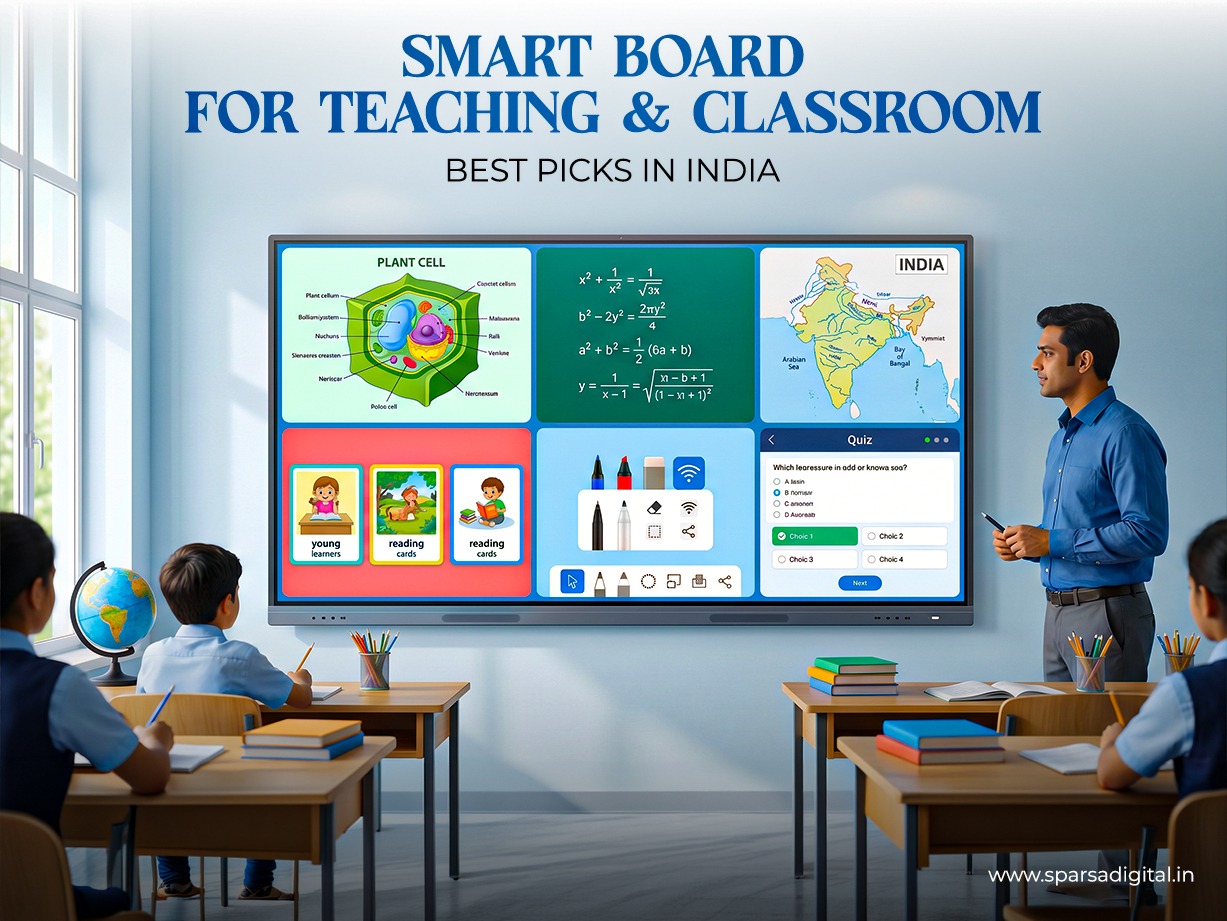
Digital classrooms are no longer a luxury, they are becoming the standard across schools, colleges, coaching institutes, and training centres in India. A smart board for teaching helps educators explain concepts visually, collaborate in real time, save notes instantly, and make lessons more engaging. Whether you run a preschool, CBSE school, college, or tuition centre, choosing the right board can improve teaching outcomes and reduce dependence on traditional projectors.
Today’s smart board for classroom setups usually come as Interactive Flat Panels (IFPs), combining a touchscreen display, whiteboard software, Android/Windows support, and wireless sharing. Compared to chalkboards or projector systems, they offer better brightness, lower maintenance, and smoother teaching workflows.
This detailed guide covers the best models in India, features to compare, pricing, setup tips, and teacher feedback for 2026.
Why Teachers Need a Smart Board
A modern teacher board does much more than display content. It transforms passive lectures into interactive sessions.
1. Better Student Engagement
Students respond better to visuals, videos, animations, and touchscreen interaction. Teachers can draw diagrams live, zoom maps, play science videos, or annotate PDFs instantly.
2. Faster Lesson Delivery
Instead of switching between books, projector remotes, and whiteboards, everything happens on one digital board for teaching.
3. Save & Share Notes
Teachers can save whiteboard notes and share them with students later through email or apps.
4. Hybrid Learning Ready
Many 2026 smart boards include cameras, microphones, and screen-sharing tools; useful for online classes and parent sessions.
5. Cleaner & Lower Maintenance
No chalk dust, no projector lamps, no calibration issues. Many Indian institutions now prefer interactive flat panels over projector-based smart classes.
Best Smart Boards for Teaching in India
Below are some strong options available in India based on features, pricing, brand trust, and education suitability.
1. BenQ RP Interactive Flat Panel
Best for premium schools and colleges. BenQ is known for eye-care display technology, durable panels, classroom software, and reliable after-sales support.
Best for: CBSE / International schools
Approx price: ₹1.7 lakh+
2. MAXHub U3 Interactive Flat Panel
MAXHub U3 Interactive Flat Panel
A strong business + education hybrid option with smooth writing response and video conferencing tools.
Best for: Colleges, coaching centres
Approx price: ₹1.8 lakh+
3. BIG VUE Pro 75 Inch Smart Interactive Panel
Feature-rich board with Android 14, multitouch, large screen, and value pricing.
Best for: Mid-budget schools
Approx price: ₹1.09 lakh+
4. DeltaView Spark 65 Smart Board
Balanced option for smaller classrooms and tuition centres.
Best for: Coaching / 25-35 students
Approx price: ₹1.09 lakh+
5. Evota Interactive Flat Panel
Emerging option focused on classrooms and teacher usability.
Best for: Budget institutions
Approx price: ₹1.05 lakh+
Smart Board for Primary School vs College
Choosing the right board for teaching depends on age group and usage.
For Primary School
Need:
- Bright colors and engaging visuals
- Easy touch response
- Built-in drawing tools
- Smaller sizes (55”-65”)
- Durable glass protection
Best fit: 55” to 65” smart writing board
For Middle & High School
Need:
- 4K clarity
- Multi-touch collaboration
- Subject apps
- Split-screen teaching
Best fit: 65” to 75” digital board for classroom
For College / Universities
Need:
- Large display
- HDMI / USB-C connectivity
- Annotation on presentations
- Recording lectures
- Hybrid teaching camera
Best fit: 75” to 86” smart class board
Key Features to Look for (Teaching Use)
When buying a smart board for teaching, don’t focus only on price.
1. Screen Size
- 55” = Small tuition room
- 65” = Standard classroom
- 75” = Large classroom
- 86” = Auditorium / college halls
2. Resolution
Always prefer 4K for readable text and diagrams.
3. Touch Points
20-point or higher multitouch is ideal.
4. Operating System
Android built-in is standard. Windows OPS optional for advanced needs.
5. Whiteboard Software
Look for:
- Infinite canvas
- Shapes & equations
- Screen recording
- PDF annotation
6. Connectivity
HDMI, USB, Wi-Fi, Bluetooth, casting support.
7. Warranty & Service
Very important for schools. Prefer brands with India-wide support.
Smart Board for Classroom Setup Guide
Even the best class board performs poorly if installed badly.
Placement Height
The center of the screen should align with the teacher’s eye level.
Viewing Distance
- 65” for up to 30 students
- 75” for 30-50 students
- 86” for larger rooms
Power Backup
Install UPS or inverter support.
Internet
Stable Wi-Fi improves app usage and cloud sharing.
Audio
For large classrooms, add external speakers.
Wall vs Stand
- Wall mount = permanent classrooms
- Mobile stand = shared classrooms
Price Guide for School Budgets
The smart board for teaching price in India depends mainly on size, brand, software, and warranty.
| Budget Range | Best Use Case | Typical Size |
| ₹60,000 – ₹95,000 | Small tuition / coaching | 55” |
| ₹95,000 – ₹1.35 lakh | Standard schools | 65” |
| ₹1.35 lakh – ₹2 lakh | Large classrooms | 75” |
| ₹2 lakh – ₹4 lakh+ | Premium institutions | 86”+ |
Recent Indian market listings also show interactive panels from ₹63,000 up to ₹7 lakh depending on size and configuration.
Hidden Costs to Consider
- Installation
- Wall mount / trolley stand
- Extended warranty
- OPS PC module
- Training for teachers
- Content subscriptions
Real Teacher Reviews
Based on common market feedback and educator discussions:
“Students pay more attention”
Teachers often report better attention spans when lessons include visuals and touch interaction.
“Math & Science became easier”
Graphs, diagrams, and equations are easier to explain live.
“Saved time daily”
No more board cleaning, projector setup, or marker shortages.
“Need teacher training initially”
Some educators need 1-2 weeks to fully adapt.
“Buy service, not just hardware”
After-sales support is often more important than brand name alone.
Smart Board vs Projector: Which is Better?
| Feature | Smart Board | Projector Setup |
| Brightness | Excellent | Depends on room light |
| Touch Writing | Built-in | External add-on |
| Maintenance | Low | High |
| Clarity | 4K available | Lower |
| Shadow Problem | No | Yes |
| Lifespan | Strong | Lamp replacement needed |
For most institutions in 2026, the digital smart board is the better long-term investment.
Who Should Buy What?
Tuition Centre
Buy a 55”-65” budget model.
CBSE School
Buy 65”-75” branded panels with training support.
College
Buy a 75”-86” board with conferencing tools.
Preschool
Buy a smaller panel with child-friendly touch response.
FAQs
What is the best smart board for teaching in India?
BenQ, MAXHub, BIG VUE, ViewSonic, and other classroom-focused interactive flat panels are strong options depending on budget.
What is the average smart board for teaching price?
Most Indian classroom buyers spend between ₹95,000 and ₹2 lakh.
Is a smart board better than a projector?
Yes, for daily teaching use. It offers better clarity, less maintenance, and built-in touch tools.
Which size smart board is best for classroom?
65” for normal classrooms, 75” for larger rooms.
Can teachers write with a finger?
Yes. Most boards support finger touch and stylus writing.
Does a smart board need internet?
No, but the internet helps for apps, videos, and cloud sharing.
Can I use PowerPoint on it?
Yes. Most panels support PPT, PDFs, Chrome, and screen mirroring.
Final Verdict
Investing in a smart board for teaching is no longer just about upgrading classroom technology, it is about improving the overall learning experience for both teachers and students. In 2026, schools, colleges, coaching centres, and training institutes across India are shifting toward smarter classrooms where lessons are more visual, interactive, and easier to understand. A well-chosen smart board for classroom can help teachers explain concepts faster, keep students engaged, reduce manual effort, and create a more modern academic environment.
When selecting the right model, always consider your classroom size, number of students, teaching style, and long-term budget. For most institutions, a 65-inch or 75-inch digital smart board provides the ideal balance of visibility, functionality, and value. Smaller tuition centres may find 55-inch panels sufficient, while colleges and seminar halls may benefit from 86-inch displays with conferencing features.
It is also important to look beyond the initial purchase price. Strong after-sales support, warranty coverage, responsive touch performance, software updates, and teacher training can make a huge difference in day-to-day usage. A lower-priced board with poor service may cost more in the long run than a reliable branded option.
Ultimately, the best board for teaching is one that makes educators more confident and students more involved in learning. If chosen wisely, a smart classroom board becomes a long-term educational investment that can serve your institution for many years while keeping pace with the future of digital learning.
