

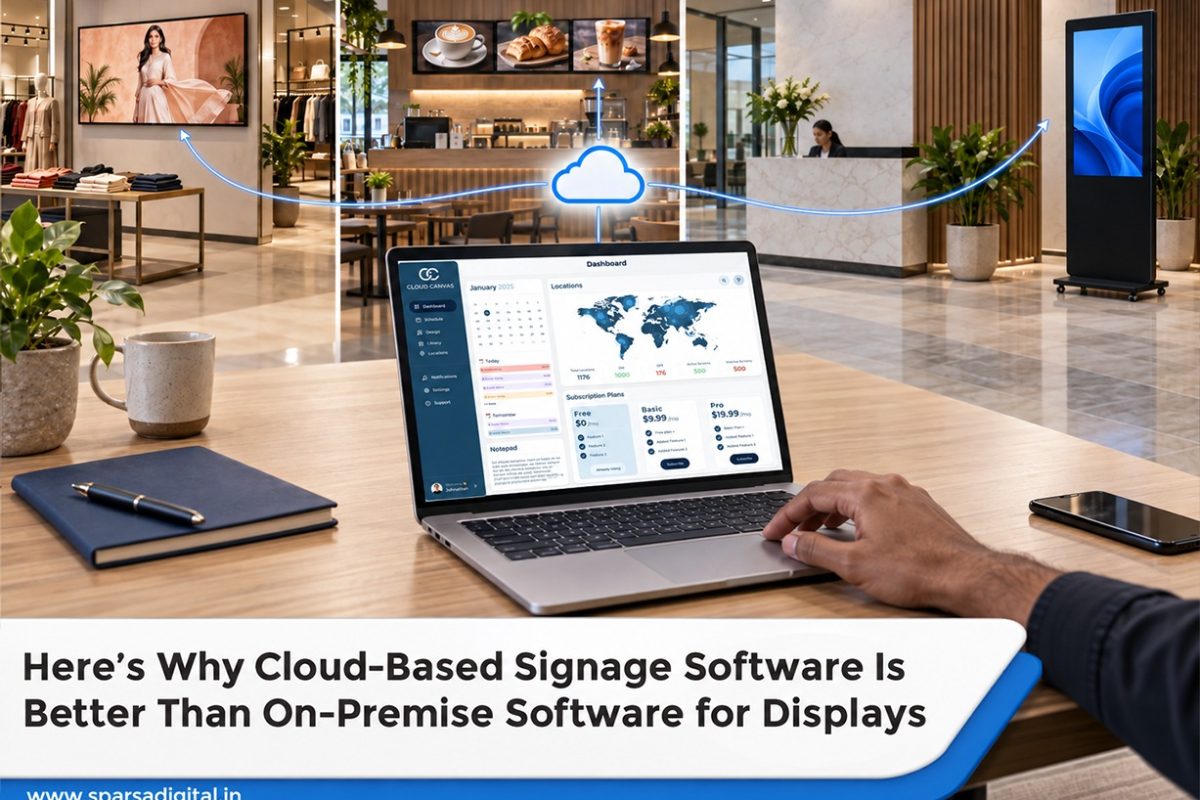
Digital signage used to require a server in a back room, an IT specialist who knew exactly how it was set up, and a fair amount of anxiety each time the software needed to be updated. Many companies still use that configuration today, primarily because it was put in place years ago and no one has had a reason to change it.
A cloud-based CMS for displaying functions differently. Everything operates through a browser or application that is hosted and managed by the vendor, as opposed to software that resides on a local server that needs to be maintained, patched, and backed up. In 2026, that change has become less of an upgrade and more of a standard expectation for the majority of businesses that use screens in one or more locations.
Cloud CMS vs On-Premise: The Core Difference
It all boils down to who is in charge of maintaining the software and where it truly resides.
On-premise signage software is installed on a server that the company owns and operates; this server is typically located on-site or in a data center under its control. Every screen is connected to that server, and the person in charge of the system, typically an internal IT team or an outside contractor hired when something needs to be fixed, must manually apply any updates, patches, or new features.
That arrangement is reversed by a cloud CMS for displays. Instead of being installed locally, the software is accessed via a web browser or application and operates on the vendor’s infrastructure. Screens use the internet to connect to the cloud platform, content can be scheduled and uploaded from any location with a login, and updates are automatically released from the vendor’s end, saving the company from having to manually manage servers or apply patches.
Nearly every other aspect of the two options’ daily behavior is influenced by this distinction. Because someone must configure the server, manage networking, and provide ongoing maintenance, on-premise systems usually require more upfront technical setup. Cloud platforms transfer that obligation to the vendor, which typically results in a much quicker process from registering to actually displaying content on screens.
Access is yet another useful distinction. On-premise systems can make it more difficult for a team to update content from outside the office because they are frequently limited to users who are on the same network as the server or require a VPN for remote access. Cloud platforms are designed to be accessed from any location, which is especially important now that marketing and operations teams are rarely found in one location.
No-Installation Setup: What It Actually Means
In signage marketing, the phrase “no installation” is frequently used, so it’s important to be clear about what it really covers and what it doesn’t. It truly means what it sounds like in terms of software. On a work computer, there is no server to set up, no database to configure, and no local application to install and keep up.
When you sign up for a cloud content management system for displays, you usually have to create an account and get access to a dashboard where you can schedule and upload content in a matter of minutes. Compared to on-premise systems, which may require days of server setup and configuration before any actual content work starts, that is a significant difference. The hardware aspect is what “no installation” leaves out.
A media player that is linked to both the display and the internet is still required for a screen. The screen must still be mounted, power must be turned on, and the player must be connected and registered with the cloud platform. The physical layer still takes the same amount of time, but the software layer is instantaneous. Furthermore, zero configuration is not implied. It still requires careful consideration to set up content rules, scheduling logic, and user permissions, particularly for a network with numerous screens or locations.
The technical burden of managing servers is removed, not the labor-intensive process of content planning. The benefits of adding a new screen to an existing network are evident for a business. It typically takes minutes to register a new player and link them to an existing cloud account. Adding a screen to an on-premise setup frequently entails verifying the capacity of the local server and examining network configuration, sometimes involving IT for something that ought to be standard.
Scalability for Expanding Organizations
The difference between cloud and on-premise systems usually becomes most apparent when it comes to scaling, particularly for companies that are unsure of how many screens they will have in two or three years. On-premise systems typically have a cost associated with each step of scaling. A server with twenty screens could manage that load just fine, but expanding to fifty or one hundred screens frequently necessitates upgrading server hardware, adding storage, or, in certain situations, starting from scratch with a larger system.
Since it usually requires planning, budgeting, and scheduling downtime for the upgrade itself, that is also not a one-time inconvenience. Because the underlying infrastructure is shared by numerous clients and managed by the vendor, a cloud CMS for displays scales differently.
Adding screens typically entails changing a subscription tier or purchasing more player licenses; the company doesn’t even need to consider server capacity. Rather than being an infrastructure project, expanding from twenty to two hundred screens is primarily a billing discussion. This is especially important for companies whose growth isn’t totally predictable. A system that grows seamlessly with the business instead of requiring a technical reset every time a growth threshold is crossed is advantageous for a corporate campus adding buildings, a restaurant chain expanding into new markets, or a retail chain opening a few new stores annually.
Another factor to consider is seasonal or transient scaling. When a company needs more screens for a brief campaign or holiday season, they can usually add cloud capacity temporarily and then scale back. When it comes to on-premise infrastructure, doing the same typically entails over-provisioning a server year-round for a brief peak or rushing to add capacity when it’s most needed.
Considerations for Security
Security is frequently the first criticism leveled at cloud platforms, and it merits a truly impartial examination rather than a dismissive response in either direction. It makes sense to be concerned about cloud systems because content and control are now dependent on a third-party vendor’s infrastructure and an internet connection rather than remaining fully within an organization’s own network.
Before committing to a platform, it’s reasonable to ask vendors pointed questions about how they handle data encryption, access controls, and uptime guarantees. That’s a significant shift in the balance between trust and responsibility. Because security is fundamental to their operations, reputable cloud CMS providers typically make significant investments in it. They provide role-based access controls, encrypted data transmission, frequent security audits, and infrastructure hosted on reputable providers with solid track records.
A single on-premise signage server, which frequently doesn’t receive the same priority as more visible systems like email or essential business applications, requires more investment for the majority of businesses than an internal IT team could reasonably maintain. There are security trade-offs associated with on-premise systems that are occasionally disregarded.
Security is solely dependent on how well the server is maintained, patched, and observed internally because the company owns and operates it directly. Even though a well-managed cloud platform feels more “secure” just by virtue of being located within the company’s own network, a server that is infrequently updated because no one is assigned to maintain it consistently may wind up being more exposed.
In scenarios where no data ever leaving the company’s own infrastructure is necessary, on-premise does have a real advantage. This is important for some regulated industries or use cases that are close to the government and have stringent compliance requirements. In those particular circumstances, a private cloud or on-premise setup might be a necessity rather than merely a choice. Because dedicated security infrastructure is the vendor’s primary responsibility rather than a side project for an already overworked internal team, a cloud CMS for displays from a vendor with transparent, well-documented security practices typically offers stronger practical security than most businesses could maintain on a self-managed server.
Comparison of Costs Over Three Years
Generally speaking, on-premise systems are more expensive initially. In comparison to a similar cloud subscription, the first-year cost may be significantly higher due to server hardware, software licensing, and initial setup, which frequently involves IT contractors. Before a single screen is actually running content, that initial setup could cost several lakh rupees for a mid-size deployment across a few locations.
Cloud platforms typically operate on a subscription model, with monthly or annual fees for each screen or player license. Since the software is part of the subscription rather than being bought outright, the upfront cost is typically very low, just the cost of media players and installation.
Maintenance and upgrades are where the comparison changes over time. Ongoing IT support, sporadic hardware upgrades, and manual software updates are necessary for on-premise systems; these expenses typically recur annually and occasionally spike dramatically when a server needs to be replaced or a significant software version necessitates an expensive migration. These ongoing maintenance expenses frequently total a significant portion of the initial hardware investment over a three-year period, sometimes even more.
There is rarely a significant unplanned cost spike because cloud subscriptions include those maintenance and update costs in the recurring fee. The three-year cost for a stable, unchanging deployment can occasionally come close to on-premise once everything is totaled, though this varies greatly by vendor and screen count. The trade-off is that the subscription continues to run for as long as the service is utilized. Businesses that expand or undergo change during that three-year period are the ones where cloud tends to outperform.
In contrast to a potentially large new capital investment for an on-premise system that has outgrown its initial server capacity, adding screens, opening new locations, or requiring more sophisticated features typically result in smooth incremental cost increases on a cloud platform. It’s important to keep in mind that, when maintenance and scaling expenses are taken into account, on-premise systems frequently appear less expensive in the first year and more expensive by the third. In contrast, cloud computing tends to distribute costs more evenly and predictably over the same time period, particularly for businesses whose screen count isn’t staying perfectly flat.
When On-Premise Is Still Reasonable
Cloud computing isn’t always the best option, and it’s important to be open about the circumstances in which on-premise signage software still has a real advantage. The most obvious example is highly regulated environments with stringent requirements for data residency or isolation.
Another real-world example is places with truly erratic internet connectivity. While most contemporary platforms gracefully handle brief outages with local caching, a site with consistently poor or unreliable connectivity may find an on-premise system more dependable for day-to-day operation, even with the additional maintenance burden. A cloud CMS for displays depends on a stable connection to push updates and manage scheduling remotely.
Sometimes there is a good reason for organizations with highly customized on-premise infrastructure to remain in place, at least temporarily. The cost and disruption of moving to a new cloud platform may not be justified solely by the general benefits of cloud computing if a company has already developed extensive custom integrations around an on-premise system and that system is operating dependably.
Outside of these particular scenarios, however, the case for cloud computing has grown to be quite compelling for the majority of new deployments, especially for expanding companies, multi-location operations, and teams lacking dedicated IT personnel to continuously manage server infrastructure.
FAQs
- Is the long-term cost of a cloud CMS for displays higher than that of on-premise software?
The size and growth pattern of the deployment are key factors. The overall expenses over a three-year period can be fairly similar for a steady, constant screen count. Since scaling doesn’t require new hardware investment, cloud computing is typically more cost-effective for businesses expanding their screens or locations.
- Is it possible for a cloud CMS for displays to function with a spotty internet connection?
Local caching is a feature of the majority of contemporary platforms, which allows screens to continue playing scheduled content even during brief outages. Remote management and scheduling updates may still be less dependable than an on-premise setup at sites with persistently bad connectivity.
- What is the level of security between an on-premise server and a cloud CMS?
For a single signage server, reputable cloud providers usually invest more in security infrastructure than the majority of companies can maintain internally. On-premise systems may also be secure, but this largely depends on how regularly the company patches and keeps an eye on the server.
- Does managing a cloud CMS for displays require IT personnel?
Generally speaking, no, for basic operations. Non-technical marketing or operations teams are designed to manage cloud platforms. Daily content scheduling doesn’t require specialized IT support, but advanced integrations do require some technical expertise.
- In the event of a cloud CMS provider outage, what will happen to my screens?
In order to prevent screens from going blank during a brief service outage, well-built platforms maintain the most recent scheduled content playing locally on each screen even if the cloud connection momentarily drops. Before registering, it is worthwhile to confirm this particular behavior with any vendor.

