

Table of contents
- 1. The Role of Digital Signage in Internal Communication
- 2. Benefits of Using Corporate Digital Signage for Employee Communication
- 3. Key Features of Corporate Digital Signage Software
- 4. Practical Applications of Corporate Digital Signage
- 5. Why Digital Signage Works Better Than Traditional Communication
- 6. How to Implement Digital Signage for Internal Communication
- 7. Real-world Use Cases
- 8. Best Practices for Effective Corporate Signage Communication
- 9. Future of Corporate Digital Signage
- Conclusion
- FAQs
In today’s fast-paced corporate world, effective internal communication is no longer a “nice-to-have”, it’s a strategic necessity. As organizations expand across geographies and hybrid work becomes the new norm, keeping employees informed, motivated, and connected has become more challenging than ever. Traditional methods like email newsletters or bulletin boards often fail to capture employees’ attention in a digital-first environment.
This is where corporate digital signage software comes into play. By transforming ordinary screens into dynamic communication tools, it enables organizations to deliver targeted, timely, and visually engaging content that enhances employee communication and engagement across all levels.
Let’s explore how corporate digital signage software is redefining workplace communication and the key features that make it an indispensable asset for modern enterprises.
1. The Role of Digital Signage in Internal Communication
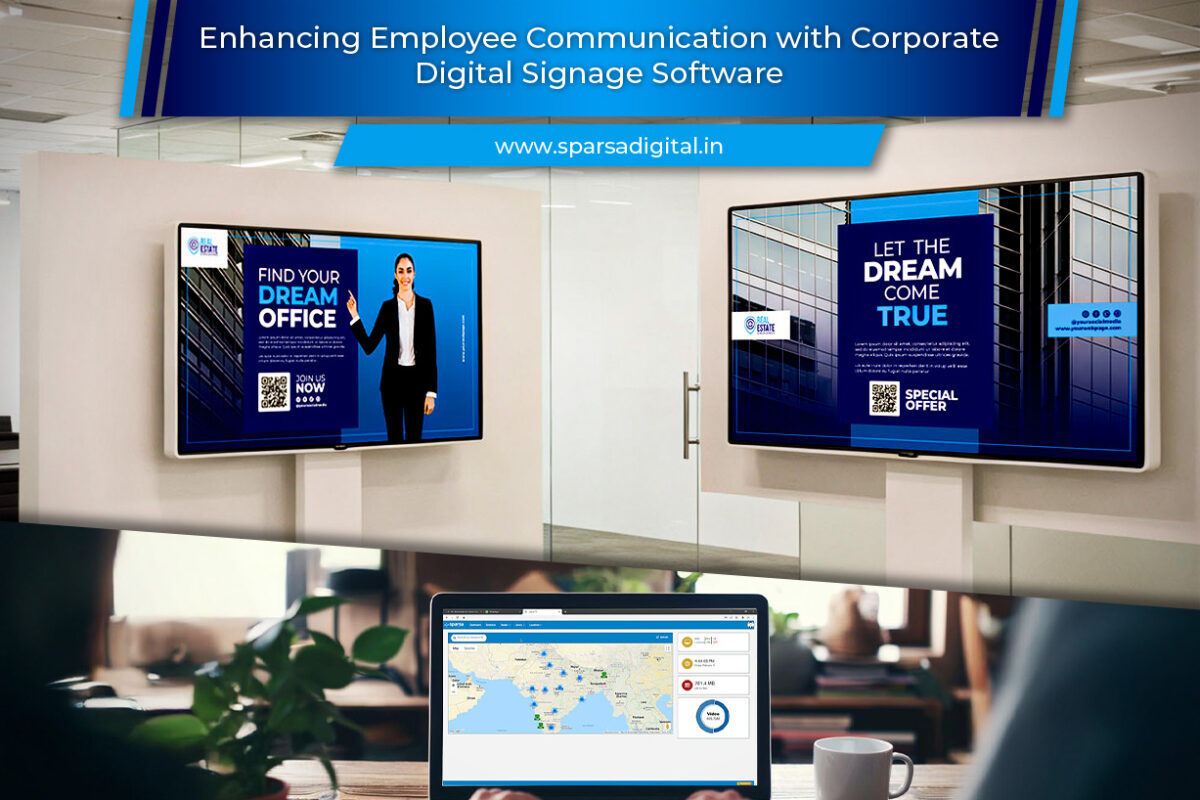
Corporate digital signage refers to the use of digital screens within workplaces, such as office lobbies, cafeterias, corridors, and break rooms, to display internal messages, announcements, dashboards, and alerts. When powered by robust software, these screens become a powerful channel to reach employees instantly and effectively.
Unlike traditional communication tools that depend on active engagement (like checking emails or intranet portals), digital signage leverages passive communication delivering messages in high-traffic areas where employees naturally gather. This ensures better message visibility and retention.
2. Benefits of Using Corporate Digital Signage for Employee Communication
a. Real-time Information Sharing
With digital signage software, HR and communications teams can update content in real time. Whether it’s a new company policy, emergency alert, or event reminder, information can be pushed instantly across all screens within seconds.
b. Improved Employee Engagement
Visually rich content such as videos, infographics, or live dashboards, grabs attention better than text-heavy emails. Engaged employees are more likely to absorb information, participate in events, and align with company goals.
c. Enhanced Transparency and Culture Building
Displaying company achievements, performance metrics, and leadership updates fosters transparency. Celebrating employee milestones, birthdays, and team successes also strengthens organizational culture.
d. Reduced Email Overload
Employees already face inbox fatigue. Digital signage helps declutter communication by diverting routine announcements to on-screen messages, freeing emails for critical conversations.
e. Effective Communication Across Locations
For organizations with multiple offices or remote teams, corporate digital signage ensures uniform communication. Every branch receives the same updates simultaneously, maintaining brand consistency and messaging accuracy.
3. Key Features of Corporate Digital Signage Software
Modern digital signage platforms are designed for ease, scalability, and control. Below are the features that make them ideal for employee communication:
Check: corporate digital signage CMS by Sparsa
a. Centralized Content Management
The software’s centralized dashboard allows administrators to manage all displays from one location. This ensures consistency while allowing customization for different departments or locations.
b. Remote Scheduling and Updates
With cloud-based control, HR or communications teams can schedule content ahead of time or make immediate updates remotely, perfect for real-time news or event-driven announcements.
c. Integration with Existing Systems
The best signage software integrates seamlessly with HRM, CRM, Slack, Teams, and calendar tools. For instance, meeting room schedules or employee recognition data can automatically display without manual intervention.
d. Dynamic and Interactive Content Support
From video messages by leadership to live social media feeds, dynamic content keeps communication fresh and engaging. Some systems even support interactive kiosks where employees can browse updates or submit feedback.
e. Role-based Access and Permissions
Different departments can manage their own content while adhering to brand guidelines. For example, HR can manage employee announcements, while IT oversees maintenance alerts.
f. Analytics and Performance Tracking
Track how often certain content is displayed, which screens get the most views, and how employees interact with the content. Analytics help fine-tune communication strategies for maximum impact.
4. Practical Applications of Corporate Digital Signage
a. Employee Announcements
Use signage screens to share company news, product launches, or organizational updates. When employees are informed, they feel more involved in the company’s mission.
b. Performance Dashboards
Displaying sales achievements, customer satisfaction scores, or KPIs motivates employees and promotes healthy competition among teams.
c. HR and Training Updates
Highlight training schedules, wellness programs, or HR policy reminders. Visually displaying these helps employees stay compliant and informed.
d. Recognition and Motivation
Feature “Employee of the Month,” top performers, and birthdays on digital boards. Recognition in public spaces boosts morale and encourages a positive workplace environment.
e. Safety and Emergency Alerts
In manufacturing or logistics environments, digital signage is crucial for broadcasting safety reminders or emergency instructions instantly.
f. Event Promotion
Whether it’s a town hall, corporate webinar, or team-building activity, screens can advertise upcoming events and encourage participation.
g. Wayfinding and Onboarding
Interactive digital signage can guide new employees or visitors through large campuses, displaying directions, welcome messages, or even meeting schedules.
5. Why Digital Signage Works Better Than Traditional Communication
| Aspect | Traditional Tools (Email, Posters) | Digital Signage |
| Visibility | Often overlooked or ignored | Highly visible in common areas |
| Engagement | Text-heavy and static | Visually dynamic and multimedia |
| Update Speed | Manual and time-consuming | Instant cloud updates |
| Consistency | Varies across departments | Centralized and uniform |
| Measurement | Hard to track engagement | Analytics and proof-of-play available |
By replacing static channels with interactive digital communication, companies can turn everyday spaces into hubs of information and connection.
6. How to Implement Digital Signage for Internal Communication
Step 1: Identify Communication Goals
Start by outlining what you want to achieve, whether it’s improving employee engagement, simplifying updates, or reinforcing company culture.
Step 2: Choose the Right Software
Select a corporate digital signage software that offers remote control, scalability, and integration capabilities. Cloud-based options are ideal for multi-location organizations.
Check: corporate digital signage CMS by Sparsa
Step 3: Define Screen Placement
Install screens strategically in high-traffic zones such as cafeterias, hallways, and reception areas to maximize visibility.
Step 4: Develop Content Strategy
Create a mix of content- announcements, dashboards, motivational quotes, training snippets, and recognition highlights to keep it engaging.
Step 5: Assign Roles and Permissions
Set up role-based access for different departments to maintain consistency while allowing flexibility.
Step 6: Analyze and Optimize
Use built-in analytics to evaluate content performance and make improvements based on data insights.
7. Real-world Use Cases
a. Corporate Headquarters
Display leadership updates, company KPIs, and live performance dashboards to foster alignment and motivation.
b. Retail and Franchise Chains
Use signage to communicate with front-line employees across stores sharing targets, product updates, and policy changes.
c. Manufacturing Units
Show safety guidelines, production milestones, and shift announcements in real time.
d. Educational Institutions
Share schedules, achievements, and event highlights across campus buildings to keep staff and students informed.
e. Healthcare Organizations
Display emergency codes, patient satisfaction metrics, and internal updates without disrupting workflows.
8. Best Practices for Effective Corporate Signage Communication
- Keep content concise: Use short messages, bold visuals, and clear headlines.
- Use automation wisely: Schedule recurring content (like daily dashboards) to save time.
- Balance fun and formal: Mix business updates with motivational or cultural content to maintain interest.
- Refresh content frequently: Avoid repetition by updating visuals weekly or bi-weekly.
- Encourage feedback: Use QR codes or links for employees to share ideas or feedback on signage content.
9. Future of Corporate Digital Signage
As workplaces evolve, so does digital signage. Emerging technologies such as AI-driven personalization and data integration are making signage smarter. For instance:
- AI algorithms can tailor messages by department or time of day.
- IoT sensors can trigger safety or environmental messages based on conditions.
- Integration with collaboration tools (like Slack or Teams) ensures communication remains consistent across all channels.
The future workplace will likely blend traditional communication with real-time, automated, and data-driven signage to create a truly connected employee experience.
Conclusion
Corporate digital signage software has revolutionized the way companies communicate internally. It offers an engaging, centralized, and scalable platform to connect employees, improve transparency, and strengthen workplace culture. By transforming walls and lobbies into live communication hubs, organizations can ensure every employee- onsite or remote feels informed, valued, and aligned with the company’s vision.
As businesses continue embracing digital transformation, the role of digital signage in enhancing employee communication will only grow. Investing in the right software today means investing in a more connected, motivated, and productive workforce tomorrow.
FAQs
Q1. What is corporate digital signage software?
Corporate digital signage software is a platform that allows companies to manage and display internal communication content such as announcements, dashboards, and alerts on digital screens across offices or facilities.
Q2. How does digital signage improve employee engagement?
It delivers visually engaging, real-time messages in high-traffic areas, making information easier to consume and more memorable than traditional emails or printed notices.
Q3. Can digital signage be used in hybrid workplaces?
Yes. Cloud-based signage software enables communication across remote and physical locations, ensuring hybrid employees receive consistent updates.
Q4. What type of content can be shown on corporate digital signage?
Content can include company news, KPIs, employee recognition, safety alerts, event updates, training videos, and motivational messages.
Q5. Is digital signage software expensive to implement?
Costs vary by scale and features, but many cloud-based solutions are affordable and scalable, allowing businesses to start small and expand gradually.
Q6. How secure is corporate digital signage software?
Most enterprise-grade systems include encryption, role-based access, and audit trails to ensure data security and prevent unauthorized content uploads.
Q7. How can companies measure the effectiveness of digital signage?
Built-in analytics track display uptime, content play frequency, and employee engagement, helping organizations optimize their internal communication strategy.
